25
Event Log
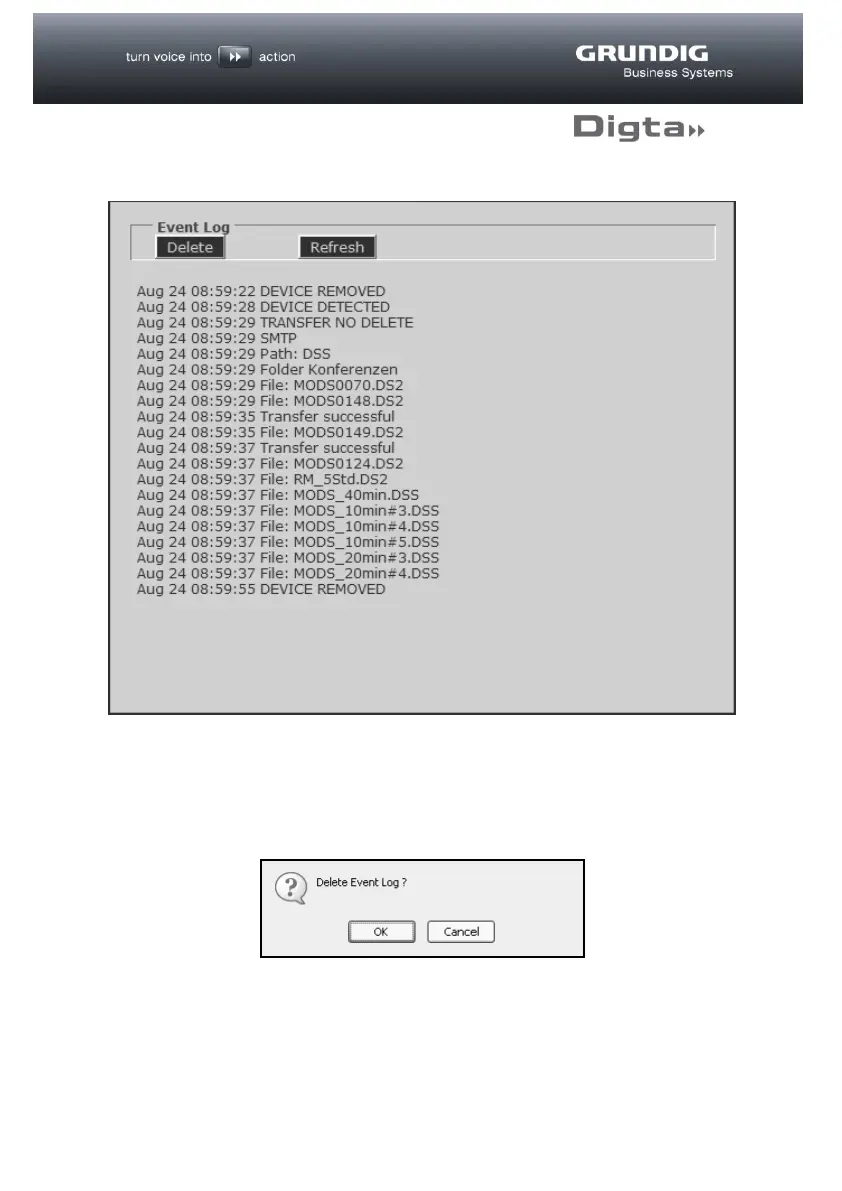
The Event Log records all the activities of the Digta W/LAN-Adapter. This makes it
possible, for example, to trace successful and failed configurations, or the transfer of
dictations.
The Event Log can be deleted by clicking on the “Delete” button
A security confirmation question appears before the Event Log is deleted.



 To Next Page