23
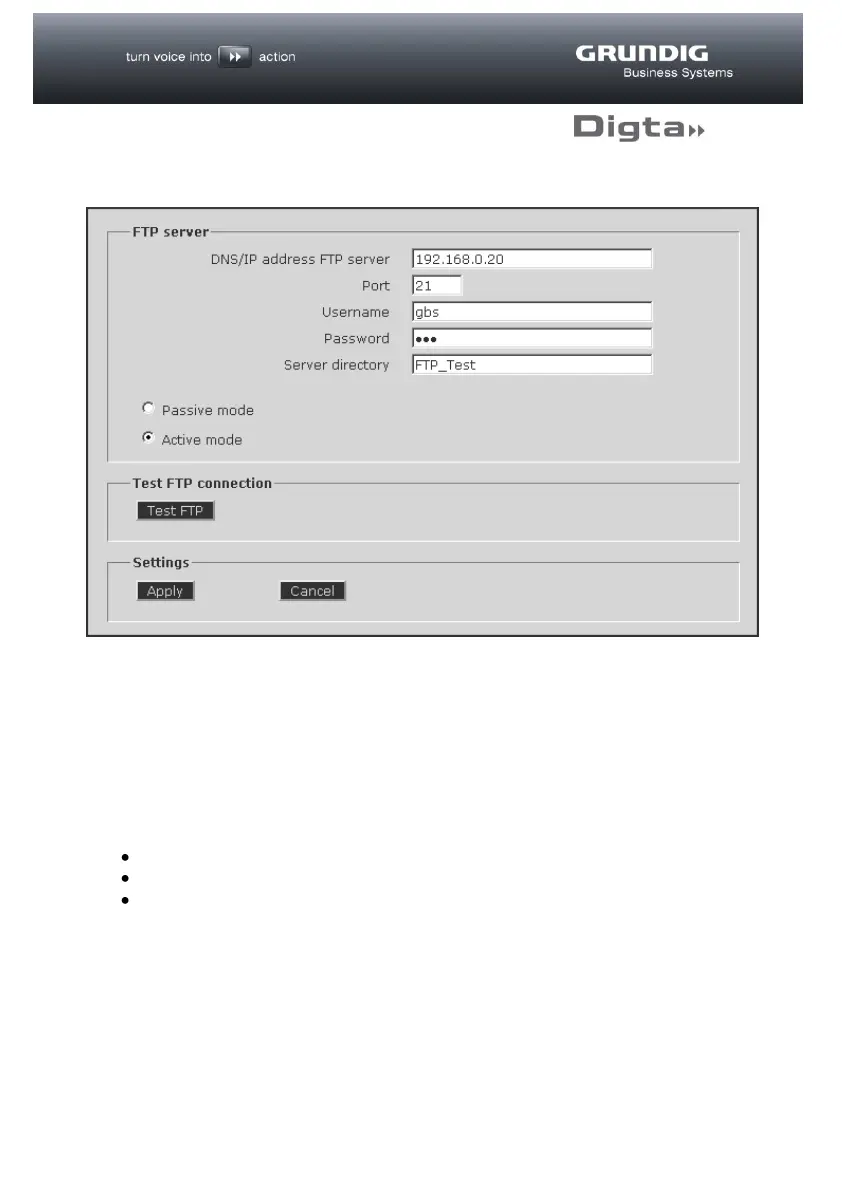
FTP
If you have activated “FTP transfer” on the “Transfer” page, the necessary access
data must be entered on this page.
If “SMTP transfer” has been activated on the “Transfer” page no changes can be
made on this page.
Set up a user account on your FTP page to which the dictations are to be
transferred. This account must have the following access authorisations:
Reading and writing files
Listing directories
Creating subfolders



 To Next Page