ENGLISH
29
Timer functions
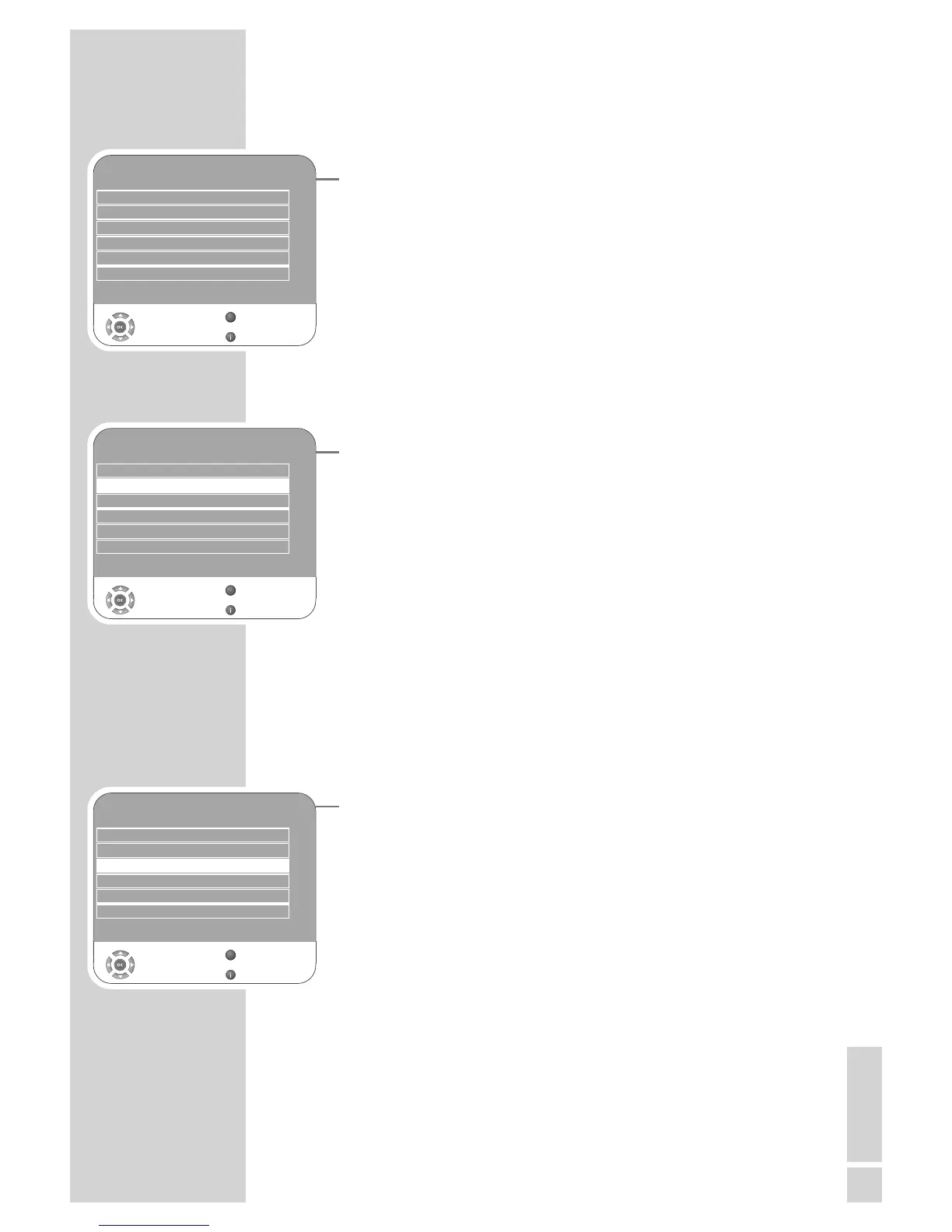
1 Open the menu with »i«.
– The »PICTURE« menu is displayed.
2 Select the »TIMER« menu with »
–
« or »
+
« and press »G« to
confirm.
Notes:
The correct time is shown in »Clock«.
Additional operations are explained in the following sections.
Switch-off timer
In the »Off Time« menu, you can enter a switch-off time for the tele -
vision. The television switches off after the entered time has elapsed
in stand-by.
1 Select »Off Time« with »
V
« or »
Λ
« and press »G« to confirm.
2 Select »Repeat« with »
V
« or »
Λ
« and select the mode with »
–
«
or »
+
«.
3 Select »Hour« with »
V
« or »
Λ
« and enter the time with »1…0«.
4 Select »Minute« with »
V
« or »
Λ
« and enter the time with
»1…0«.
5 Select »Close« with »
V
« or »
Λ
« and press »G« to confirm.
6 Press »i« to end the setting.
Switch-on timer
In the »On Time« menu, you can enter a switch-on time for the tele -
vision.
The television switches on with the preset volume and the desired
channel after the set time in stand-by mode has elapsed.
1 Select »On Time« with »
V
« or »
Λ
« and press »G« to confirm.
2 Select »Activate« with »
V
« or »
Λ
« and press »
–
« or »
+
« to
choose when the television should switch on.
3 Select »Hour« with »
V
« or »
Λ
« and enter the time with »1…0«.
4 Select »Minute« with »
V
« or »
Λ
« and enter the time with
»
1…0«.
5 Select »Volume« with »
V
« or »
Λ
« and set the volume by pressing
»
–
« or »
+
«.
6 Select »Mode« with »
V
« or »
Λ
« and press »
–
« or »
+
« to select
»DTV« or »ATV«. This entry is only possible if you have already
entered a switch-on time.
7 Select »Program« with »
V
« or »
Λ
« and enter the television
channel by pressing »
–
« or »
+
«.
8 Select »Close« with »
V
« or »
Λ
« and press »G« to confirm.
9 Press »i« to end the setting.
CONVENIENCE FUNCTIONS
------------------------------
TIMER
Clock 19 /Jun 2008 14:35
Off Time Off
On Time Off
Sleep Timer Off
Auto Sleep Off
Time Zone Berlin GMT+1
Select
Back
Exit
Z
1
TIMER
Clock 19 /Jun 2008 14:35
Off Time Off
On Time Off
Sleep Timer Off
Auto Sleep Off
Time Zone Berlin GMT+1
Select
Back
Exit
Z
1
TIMER
Clock 19 /Jun 2008 14:35
Off Time Off
On Time Off
Sleep Timer Off
Auto Sleep Off
Time Zone Berlin GMT+1
Select
Back
Exit
Z
1



 To Next Page
 Loading...
