ENGLISH
39
Using a video recorder, DVD player or
set-top box
1 Switch on the video recorder, DVD player or set-top box and se-
lect the function you wish to use.
2 Press »AV«, select the input signal channel with »
Λ
« or
»
V
« (»SCART«, »AV«, »S-Video«, »HDMI1«, »HDMI2«,
»HDMI3« or »YPBPR«) and press »
G« to confirm.
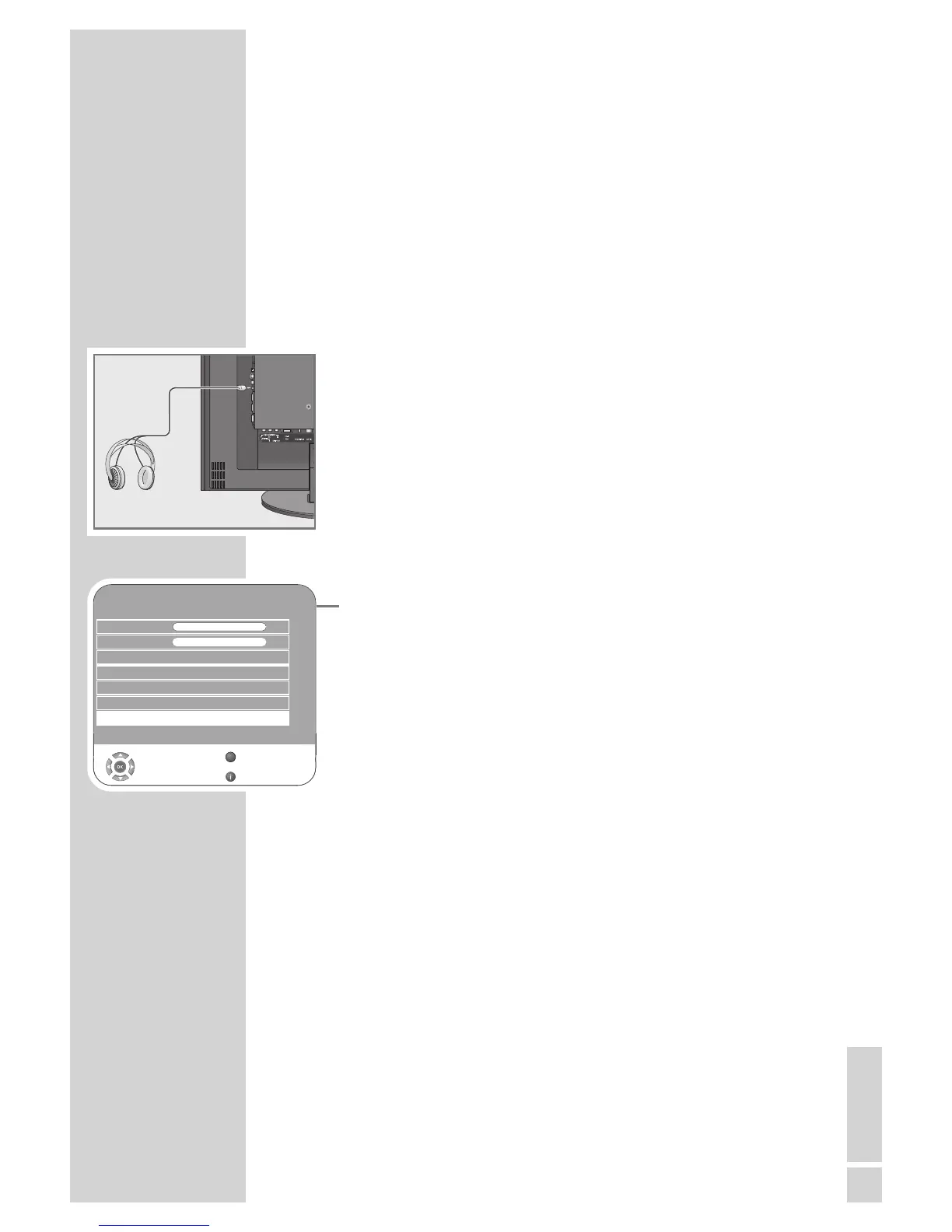
Headphones
Connecting the headphones
1 Plug the headphone jack (3.5 mm ø jack plug) into the head-
phone socket on the right side of the television.
Selecting audio settings for the headphones
1 Open the menu with »i«.
– The »PICTURE« menu is displayed.
2 Select the »SOUND« menu with »
–
« or »
+
« and confirm with
»G«.
3 Select the »Headphone« with »
V
« or »
Λ
«.
4 Adjust the volume with »
–
« or »
+
«.
5 Press »i« to end the setting.
USING EXTERNAL DEVICES
----------------------------------
SOUND
Balance 0
GGGGGGGGGGGGGGGGGG
AVL Off
Sound Type Stereo
Sound Mode Normal
Equalizer
Select
Back
Exit
Volume 29
Z
s
Headphone 21
s
1
GGGG
GGG



 To Next Page
 Loading...
