audiogram display. You may navigate the list of frequencies using the mouse or
the frequency keys.
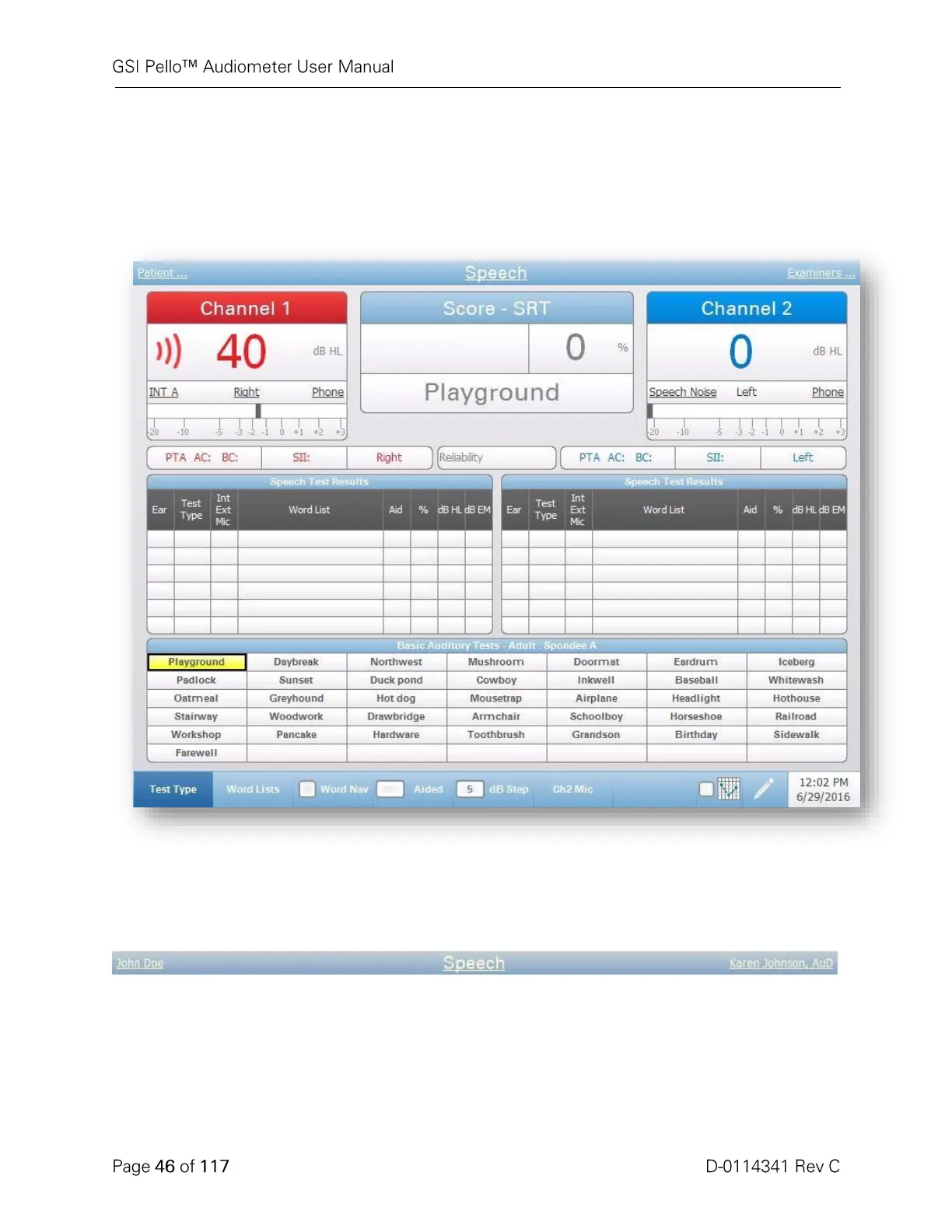
Speech Test Type - Status
Speech Test Status Display
Title Bar
On the left side of the title bar, the patient name, if entered, will be displayed. In
the center of the title bar, the test type (Speech) will be displayed. On the right
side of the title bar, the examiner name, if entered, will be displayed. An
underline on any item on the display indicates that a choice may be made using
the mouse. In the title bar, it is possible to select a patient, test type or examiner
using the mouse to display a drop down menu of the selection choices.



 To Next Page