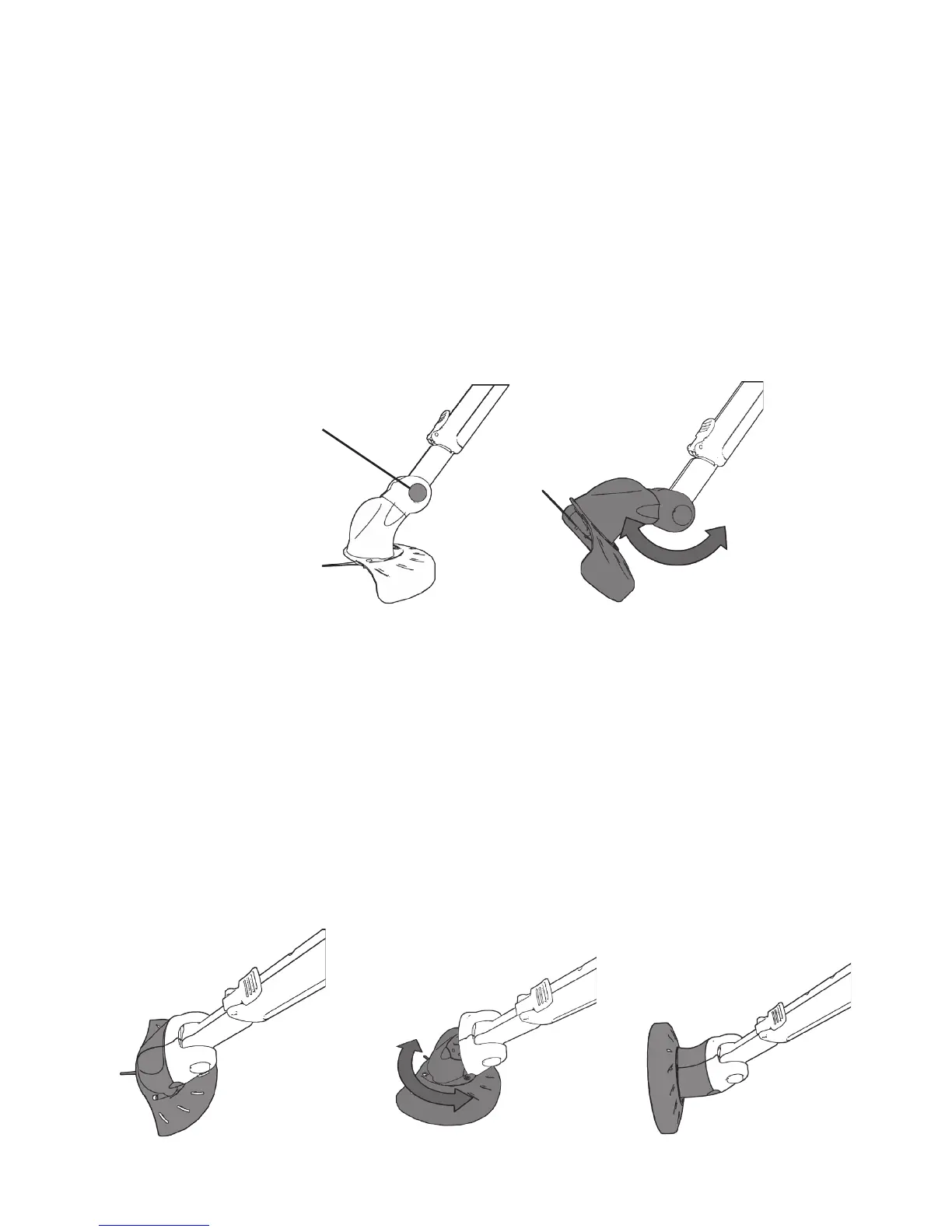
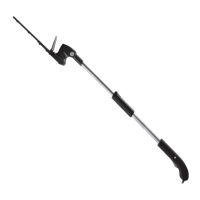
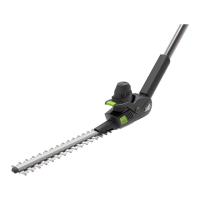
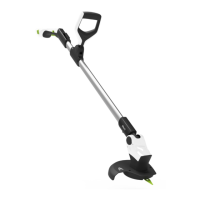
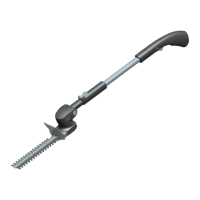
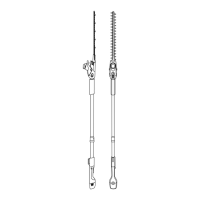
Cutting head adjustment
The cutting head can be adjusted to different angles for ease of cutting in different
conditions.
WARNING : do not attempt to adjust the cutting head while the blades are
rotating.
Grip the head of the trimmer, press and hold the button marked ‘PUSH’.
Rotate the head to the desired angle.
Release the button to lock the head in position.
Ensure the button and head are securely locked in position before starting
the trimmer.
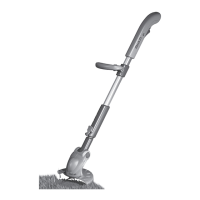
The cutting head can be rotated to a vertical position for edge trimming around
lawns.
WARNING : do not attempt to rotate the cutting head while the blades are
rotating.
Grip the head of the trimmer and twist half a turn around the handle.
Caution: Ensure the power button is not engaged during adjustment.
Ensure the button and head are securely locked in position before starting
the trimmer.
PUSH
Trimming Rotate
Edging
13
Gtech helpline: 0870 7944001 email: support@greytechnology.co.uk
www.greytechnology.co.uk


 To Next Page