PX Control Panel User Manual – Issue C
- 12 -
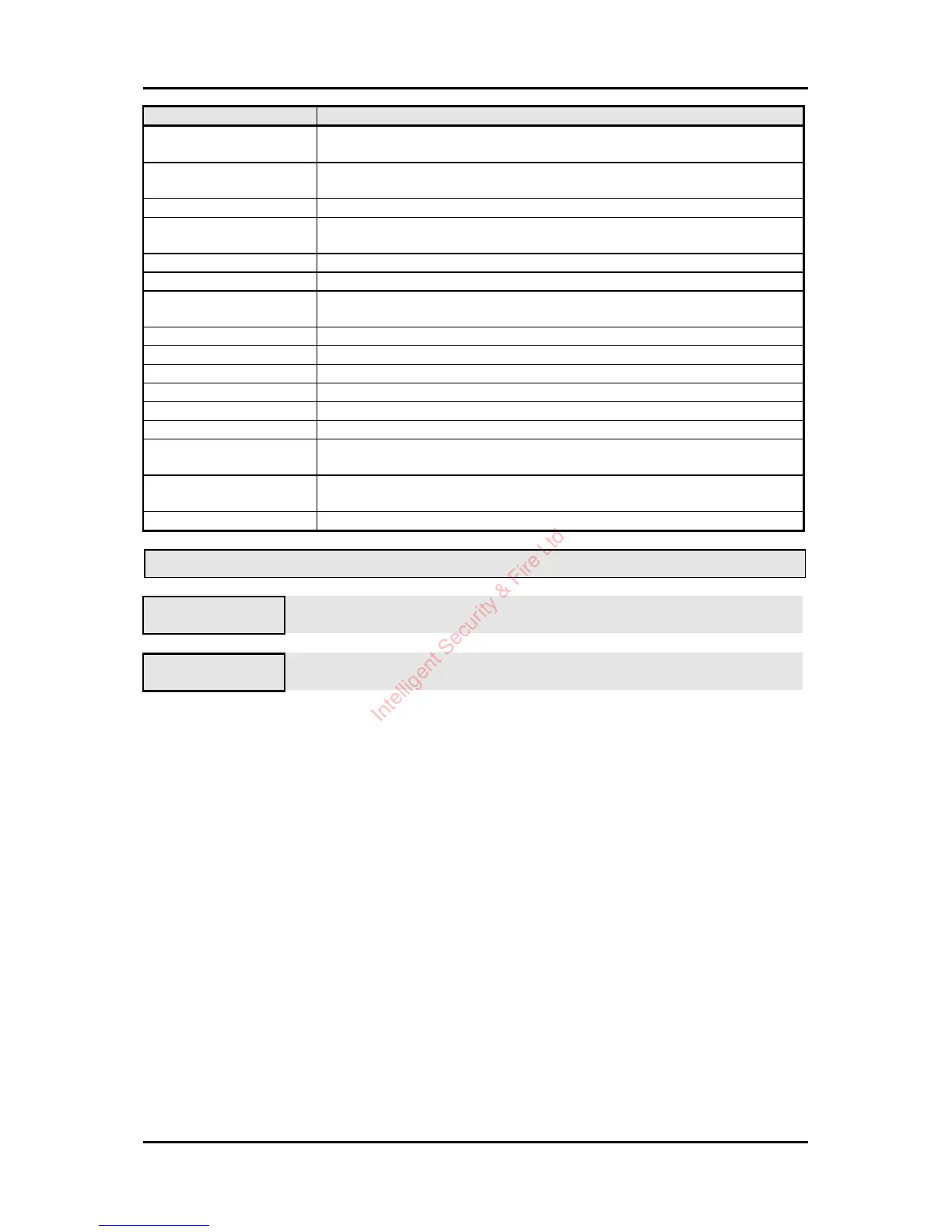
Not Available Message Where Used
No Authority User tries to select an option that is not allowed with their programmed
authority level.
No Set Area User selects unset when all areas that can be unset from the keypad are
already unset.
Timer Control On User attempts to log on outwith the schedule times.
No Unset Area User selects set when all areas that can be set from the keypad are already
set.
Set Area User attempts to access test when an area is set.
Test in Progress User attempts to set an area that is being tested (on another keypad).
System Not Unset User attempts to access an option that is only available when the system is
unset, for example the event log.
Unset Area User attempts to unset an unset area.
Key Not Used The key (button) which has been pressed is never used in the current menu.
Printer Busy User attempts to print and the printer is in use.
Not Programmed The option selected is not programmed.
Keypad Busy User attempts to turn off a keypad that is being used.
Not Applicable User attempts, for example, to reset when there are no alarms logged.
Option in Use User selects an option, such as test, which is in being used by another
user.
At Bypass Limit User attempts to bypass a circuit when the number of bypassed circuits is
at the programmed bypass limit.
Call Engineer User attempts to set when an engineer reset is required.
Logging Off
02=Set
05=Eng
Press 7to log off from the main menu.
4=Confirm LogOff Press 4 to confirm log off.
Intelligent Security & Fire Ltd



 To Next Page