PX Control Panel User Manual – Issue C
- 24 -
User
Code-07
Feature PX18 PX34 PX80 PX500
Max. Users 20 40 1000 1000
Max. Security 20 40 100 200
A manager user can change the name, user code and authority for any user except the engineer. To
modify a user’s details enter the user number in the range 2-max users. The user menu will then be
displayed.
The user 2 configuration may only be changed by user 1 or user.
Access system users be added quickly using the “Add User” menu option (50).
User Menu
1=Name
2=Code
3=Authority
4=Door Access
5=Schedule
6=Lockout
7=Expiry Date
Choose the required option.
This option is not available on the PX18/34.
This option is not available on the PX18/34.
This option is not available on the PX18/34.
This option is not available on the PX18/34.
User
Name
Code-1
When the name option is selected the current user descriptor will be displayed. Names can be up to 10
characters long and may contain any of the following characters.
ABCDEFGHIJKLMNOPQRSTUVWXYZabcdefghijklmnopqrstuvwxyz .-/+#%^&*@<>:!$?_0123456789
By default all names are “User” followed by the user number, for example User 2.
User Number-03
J Smith The first character of the text descriptor will be flashing.
When you edit a name the first letter will be flashing. You can either use the é or ê buttons to select
the required character or use one of the numeric keys to quickly access a particular character.
Fast character access buttons
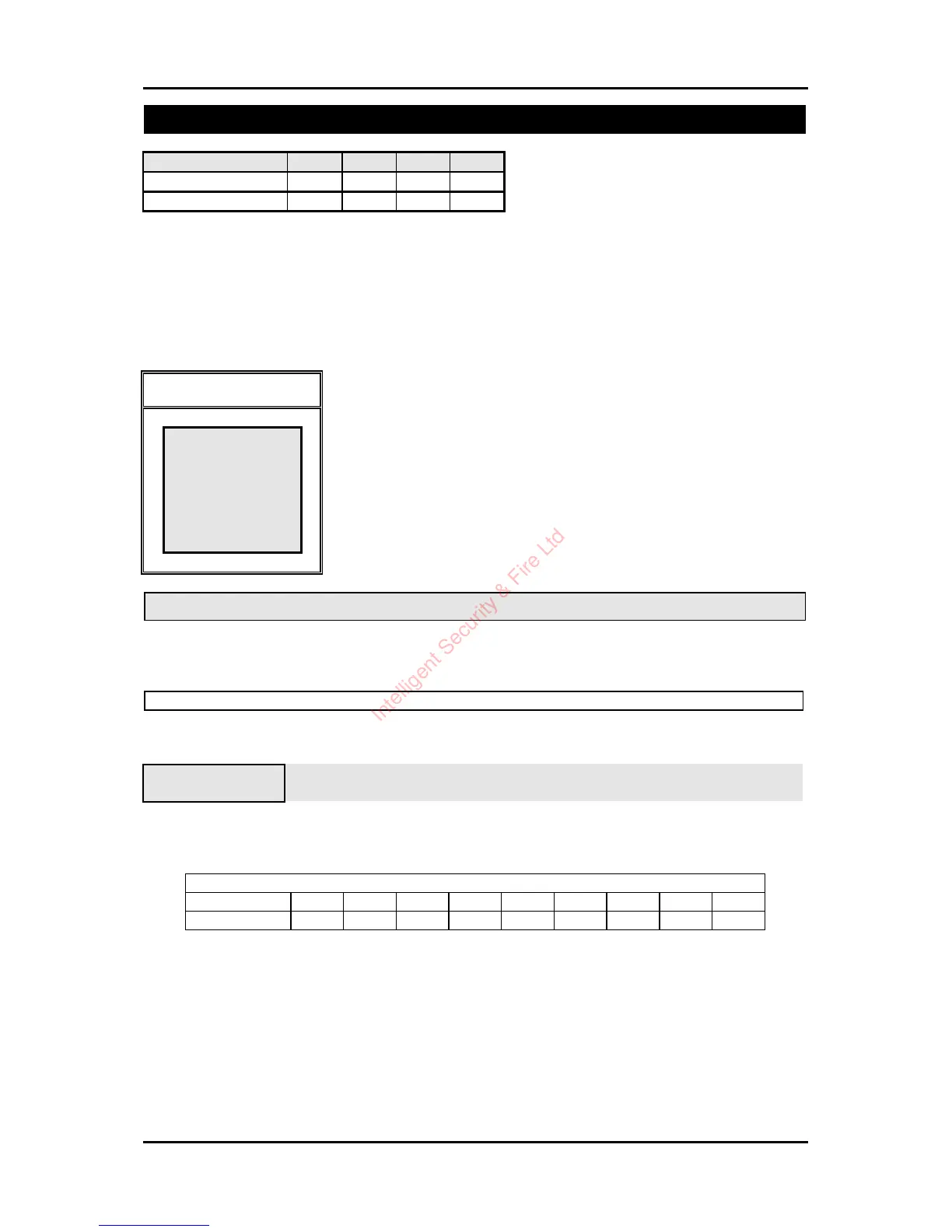
Button 1 2 3 4 5 6 7 8 9
Character A M Z a m z 1 9 space
Use the 4 button to move to the next character position on the right. Press 7to save the descriptor and
exit. To clear all characters to the right of the cursor press 0.
Intelligent Security & Fire Ltd



 To Next Page