guessconnect.com
11
iOS USER MANUAL
Setting Up The GUESS Connect Watch
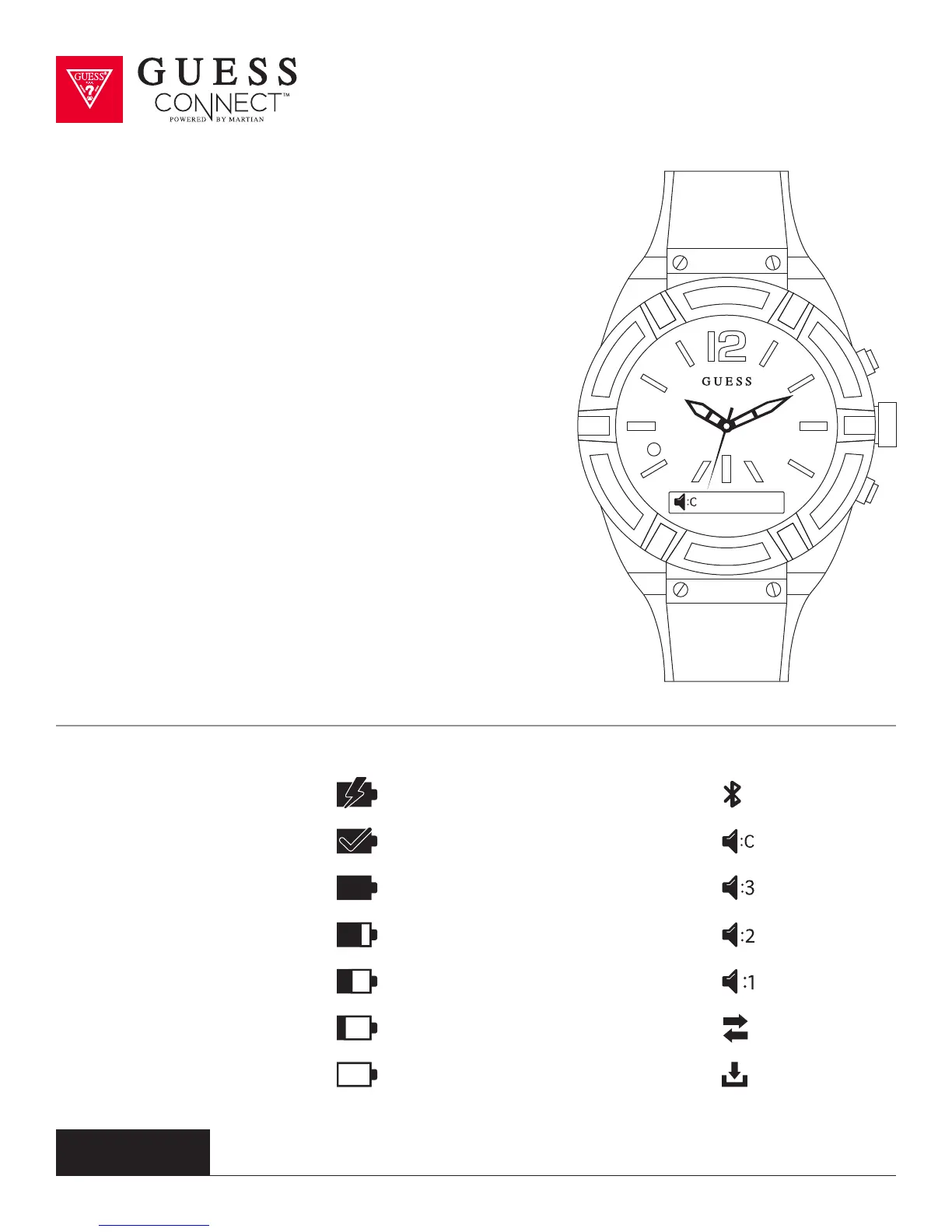
Volume Control & Icons
Your GUESS Connect watch has 4 volume settings.
3 - High 2 - Medium
1 - Low C - Clear Voice
The Clear Voice Volume Mode (C) is used for noisy or
crowded situations to improve the call quality heard at the
other end. This volume mode will lower the volume of the
call on the watch and improve the receiver’s call quality.
To change the watch volume, press the bottom pusher until
Volume appears on the OLED screen indicating the current
setting. To change the volume level, press the top pusher
on the watch until you reached the preferred volume level.
Once the volume is set, you can tap the bottom pusher to
go back to the main menu, or do nothing and the menu will
automatically exit after 3 seconds.
Battery Charging = Bluetooth Paired =
Battery Level 100% = Volume High =
Battery Level 50% = Volume Low =
Battery Level Critical = Smart Connected =
Battery Fully Charged = Volume Clear Voice =
Battery Level 75% = Volume Medium =
Battery Level 25% = Watch Connected =



 To Next Page