guessconnect.com
30
iOS USER MANUAL
How To Send & Receive Calls & Texts
INCOMING TEXTS
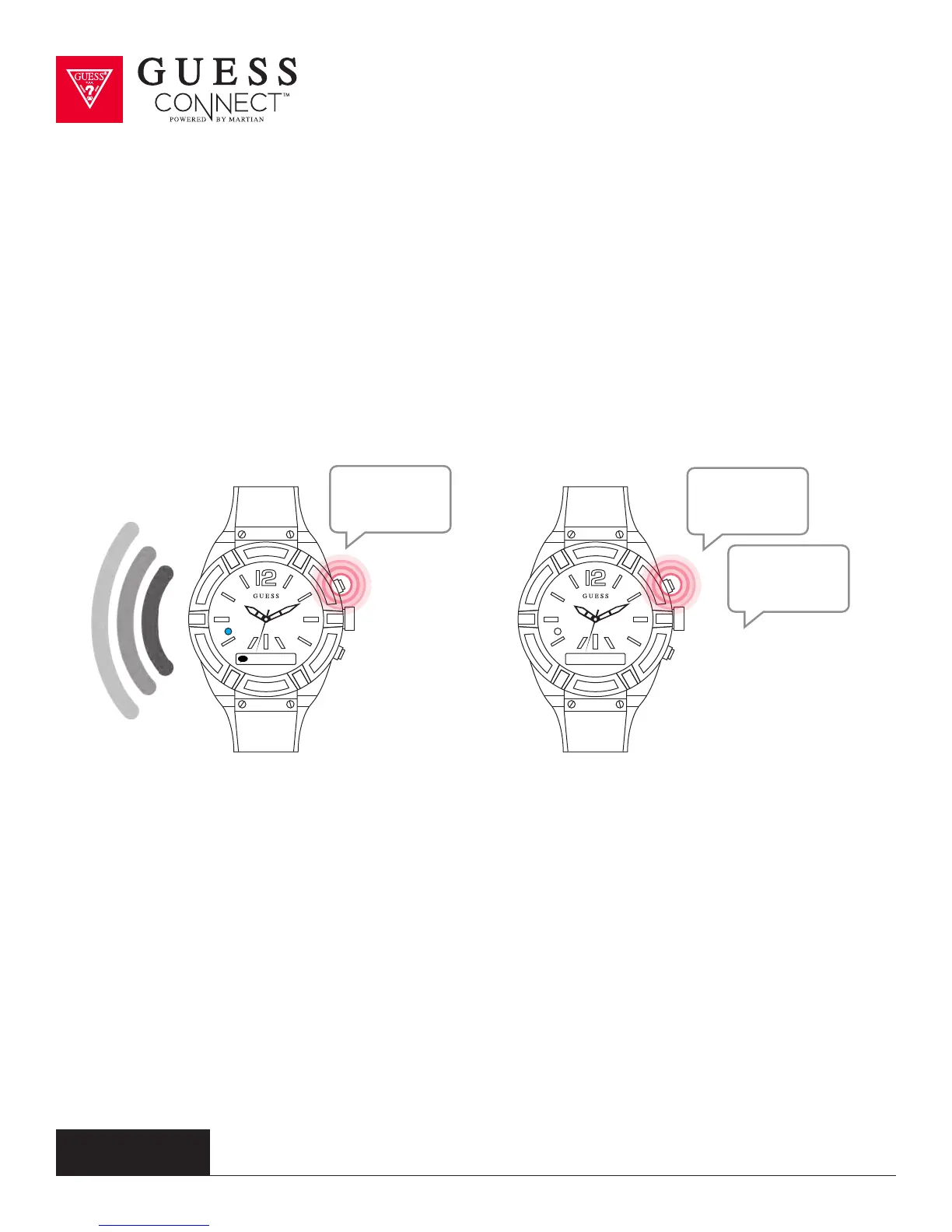
A flashing BLUE light and vibration will notify you of an incoming
text message. When a new message is received, press the top
pusher on the upper right side and say, “read text” or read the text
message as it scrolls across the OLED screen.
OUTGOING TEXTS
To send a text message, press the command
button and say “reply” after reading your message,
or say “text”. The watch will then prompt you to
speak. This feature allows you to send and receive
phone calls and text messages using only the
GUESS Connect watch, allowing you to leave your
device in your pocket or handbag.
Find Phone
Reply
Read Text
Text
How are...



 To Next Page