guessconnect.com
27
iOS USER MANUAL
Setting Up The GUESS Connect App
Do Not Disturb
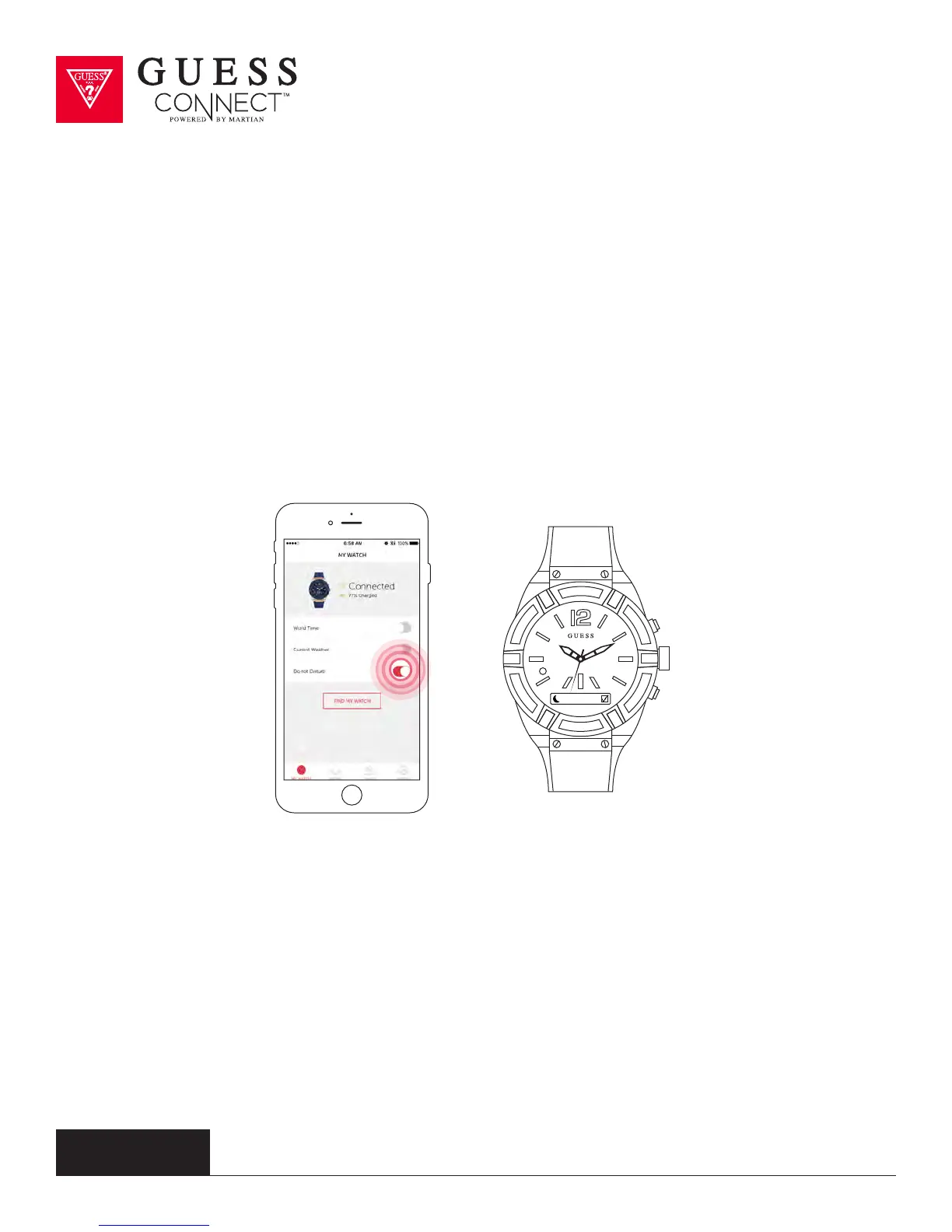
Another useful feature of the GUESS Connect watch is the ability to set the
iOS or Android device to Do Not Disturb without touching the smartphone.
This will prevent you from getting any notifications on your watch.
ON APP:
Go to the My Watch tab and scroll down and swipe Do Not Disturb from GREY to RED.
ON WATCH:
Press the bottom pusher until you reach Setup, and select by pressing the top
pusher. Continue to scroll through the menu using the bottom pusher until you
reach DND. Press the top pusher to turn on, indicated by a check box.
You have now activated Do Not Disturb.
To turn Do Not Disturb o, repeat these steps to deactivate.
DND



 To Next Page