guessconnect.com
34
iOS USER MANUAL
Music Control
Play & Control Music
A2DP
A2DP is a wireless music standard that controls whether your
music comes through your watch or another Bluetooth
®
device. When A2DP is on, your music will play through your
GUESS Connect watch, otherwise it will play through your
phone or Bluetooth device.
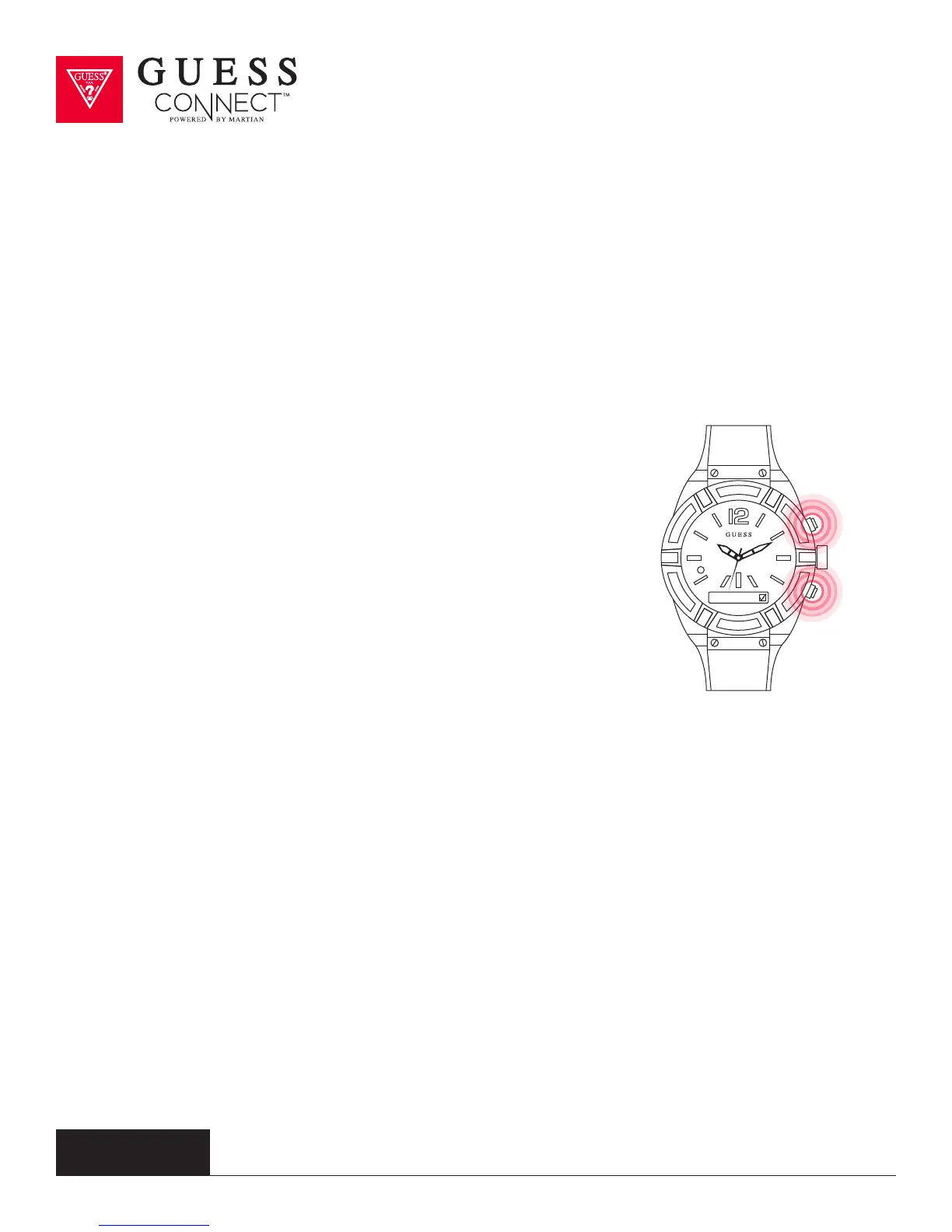
To activate A2DP, press the bottom pusher until you reach Set
Up. Select by pressing the top pusher and continue to scroll
through the menu using the bottom menu button until you
reach A2DP.
Upon pressing the top menu button, a check will appear in the
box indicating that it is on. Now you can listen to music directly
from your watch.
To turn o A2DP, follow the same steps and uncheck the box.
Whenever you enable or disable A2DP, you change your
Bluetooth settings. You must remember to re-pair your GUESS
Connect watch to your device once A2DP is used.
Music volume can be adjusted based on phone settings.
A2DP



 To Next Page