guessconnect.com
36
iOS USER MANUAL
Appointments and Reminders
Voice Command and Notifications
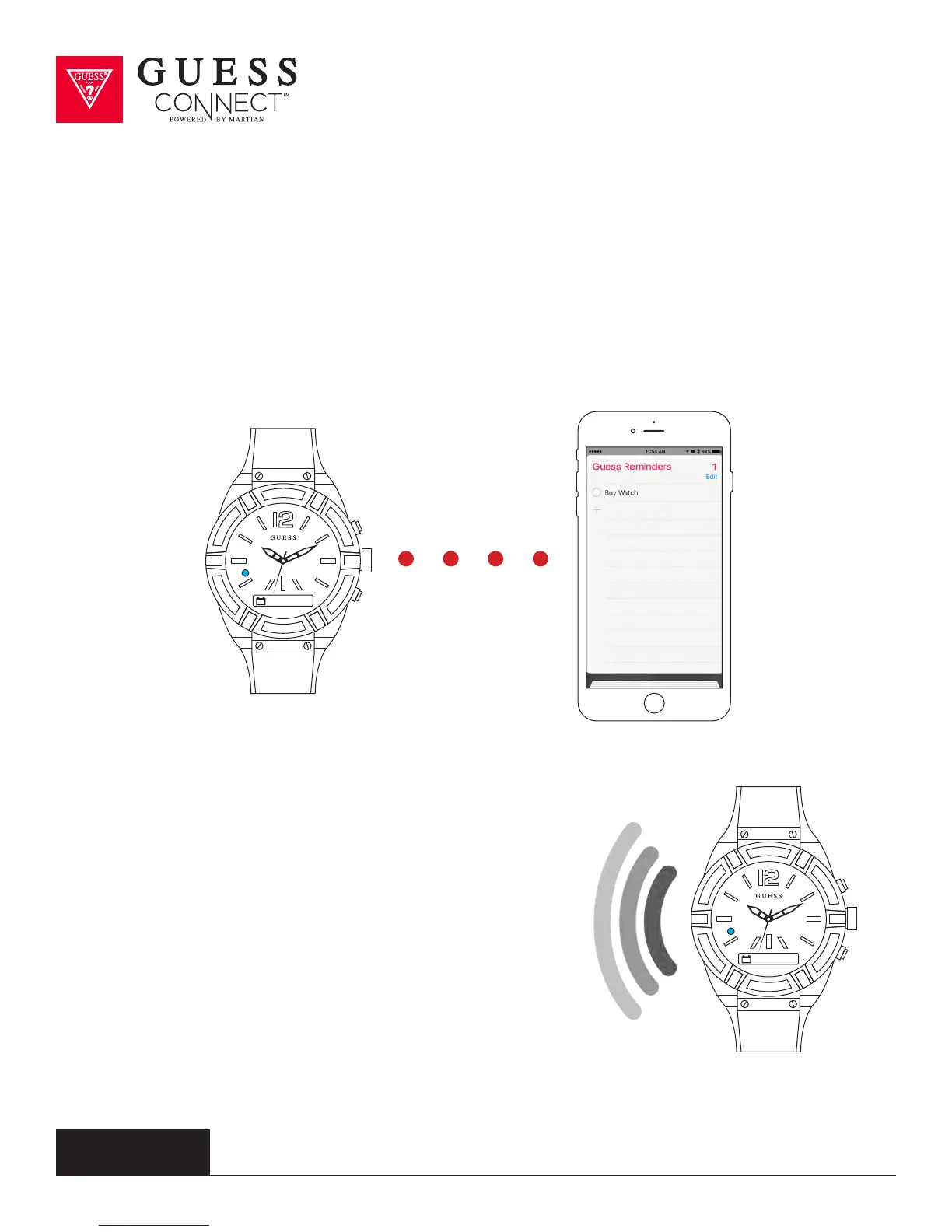
To set an appointment, press the command button and speak, “Set appointment, Friday June
5th 2pm, meeting with caterers”. The watch will send the command to your phone and your
appointment will show up on your device’s reminders app, all hands-free. Commands can be given
even when phone is in a pocket or purse.
A BLUE light and vibration will notify you of an upcoming
appointment, or alert you of a reminder notification and
you can respond directly through your watch.
When an appointment or reminder alert is received,
press the command button on the upper right side to
acknowledge, or simply read the notification message as it
scrolls across the screen.
The GUESS Connect watch’s built in speaker and
microphone allow you to schedule appointments and
set reminders leaving you hands-free and allowing you to
leave your phone in your pocket.



 To Next Page