guessconnect.com
14
iOS USER MANUAL
Setting Up The GUESS Connect App | General Settings
Date
ON APP:
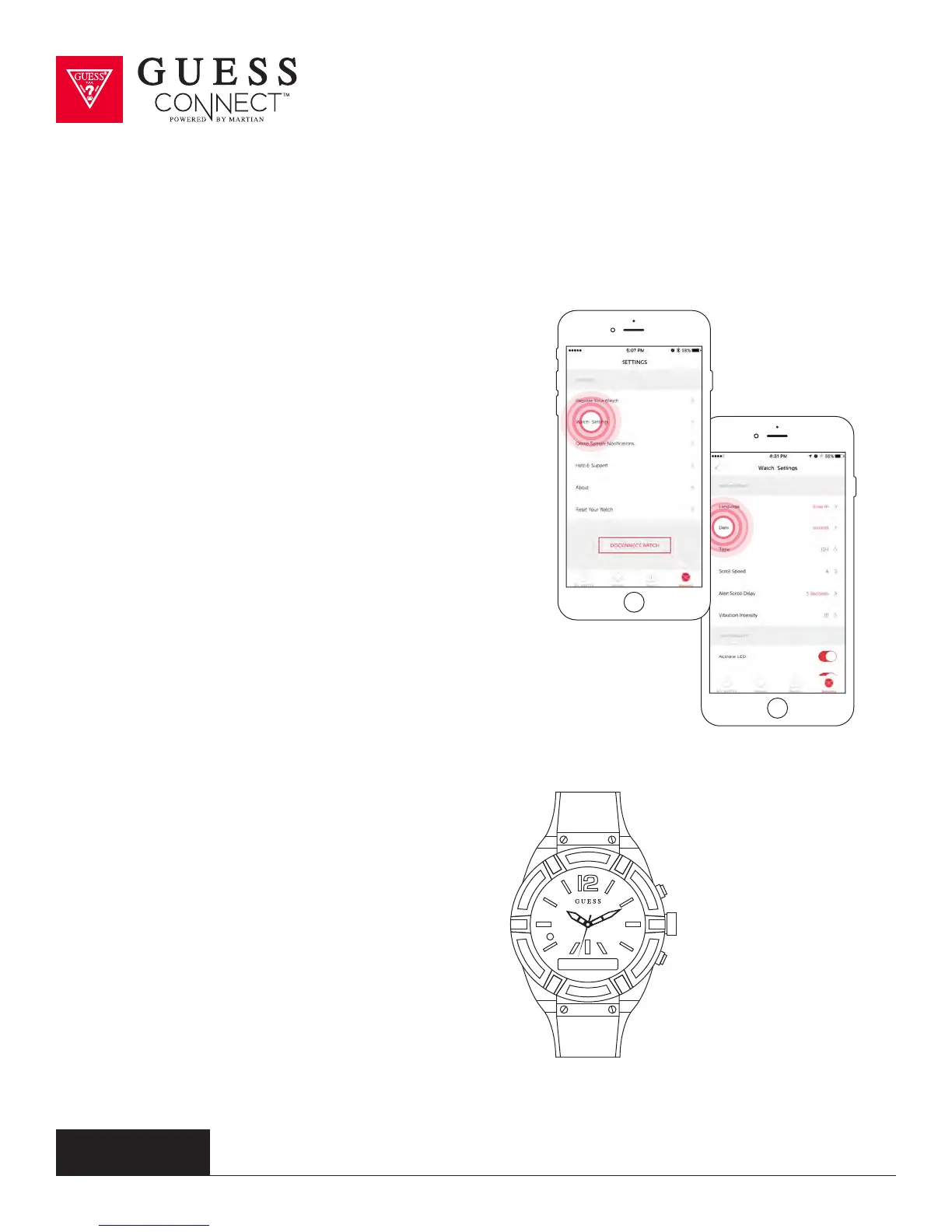
Tap on the Settings tab then Watch Settings
to change the date layout in the GUESS Connect
watch menu.
Choose from the following layout options:
•
mm/dd
• dd/mm
For example, January 10th would appear as:
•
01/10 mm/dd
• 10/01 dd/mm
ON WATCH:
Press the bottom pusher until you reach Set Up,
and select by pressing the top pusher.
Continue to scroll through the menu
using the bottom pusher until you reach
Date. Press the top pusher to select the
layout you prefer.
Date mm/dd



 To Next Page