27
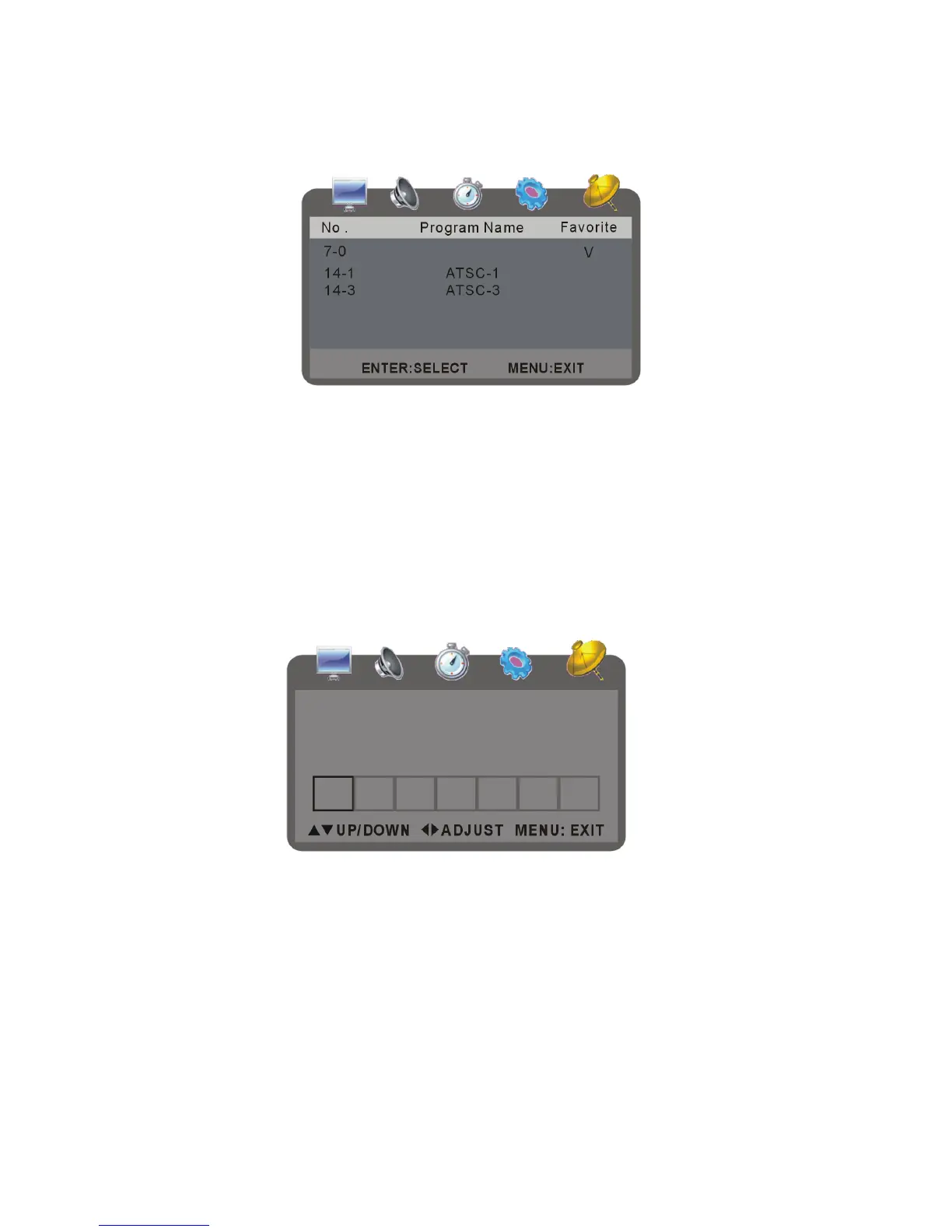
Favorite
- Press up or down button to select it and press OK button to set your favorite channel.
- You can edit more than one programs as favorite programs by this option. Once a program is
chosen, a mark will appear in its favorite blank.
Channel NO.
It is used to swap settings between two channels.
- Press up or down button to select it.
- Press the left button to swap the current channel number with the previous channel’s.
- Press the right button to swap the current channel number with the next channel’s.
CHANNEL LABEL
- It is used to set the channel label as desired.
- Press up or down button to select and press OK to enter:
- Press up or down button to input symbol or letter as desired.
- Press left or right button to enter the previous or next item.
- Then the label will display on the screen under channel number.



 To Next Page