-17-
TV OPERATION
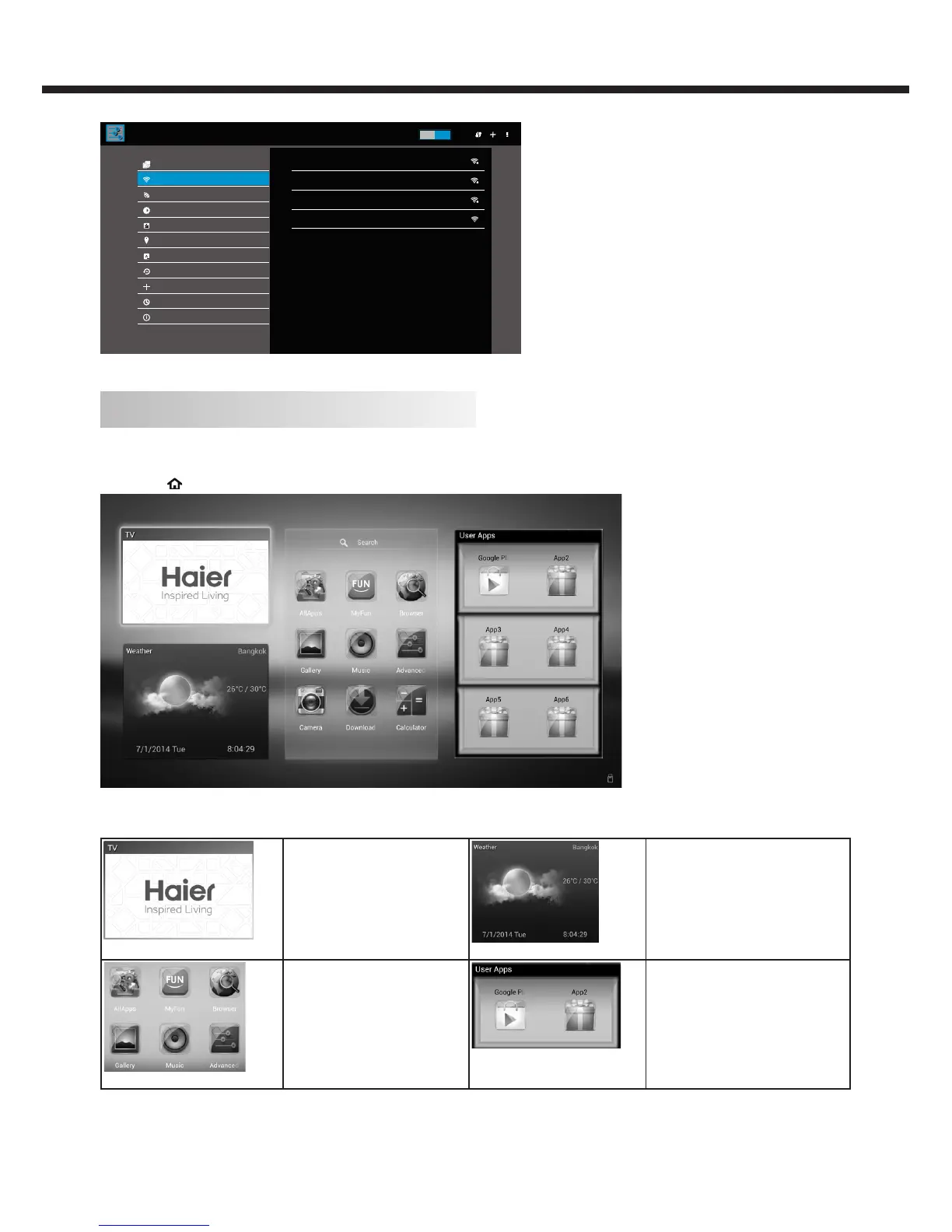
Wi-Fi
Wi-Fi
Wi-Fi Hotspot
Display
Apps
Language & input
Update & reset
Date & time
Add account
About TV
Ethernet
ON
CMCC-AUTO
TP-Test
TP-LINK_124228
Guest
Secured with 802.1x
Secured with WPA/WPA2
sECURED WITH WAP/WPA2
Location
Smart TV (Launcher mode)
1. Connect your TV to ethernet. Parts of TV function will not work without network.
2. Press key on remote control to enter smart TV screen.
Screen description:
TV:
Broadcast the TV picture.
Weather:
Synchronously view the weather
status.
Applications:
The basic shortcut function in
the Android system.
User Apps:
Display the Android applications
installed via network or installed
via an external storage device
(Ex:USB) by the user in a shortcut
manner.



 To Next Page