13
Operation
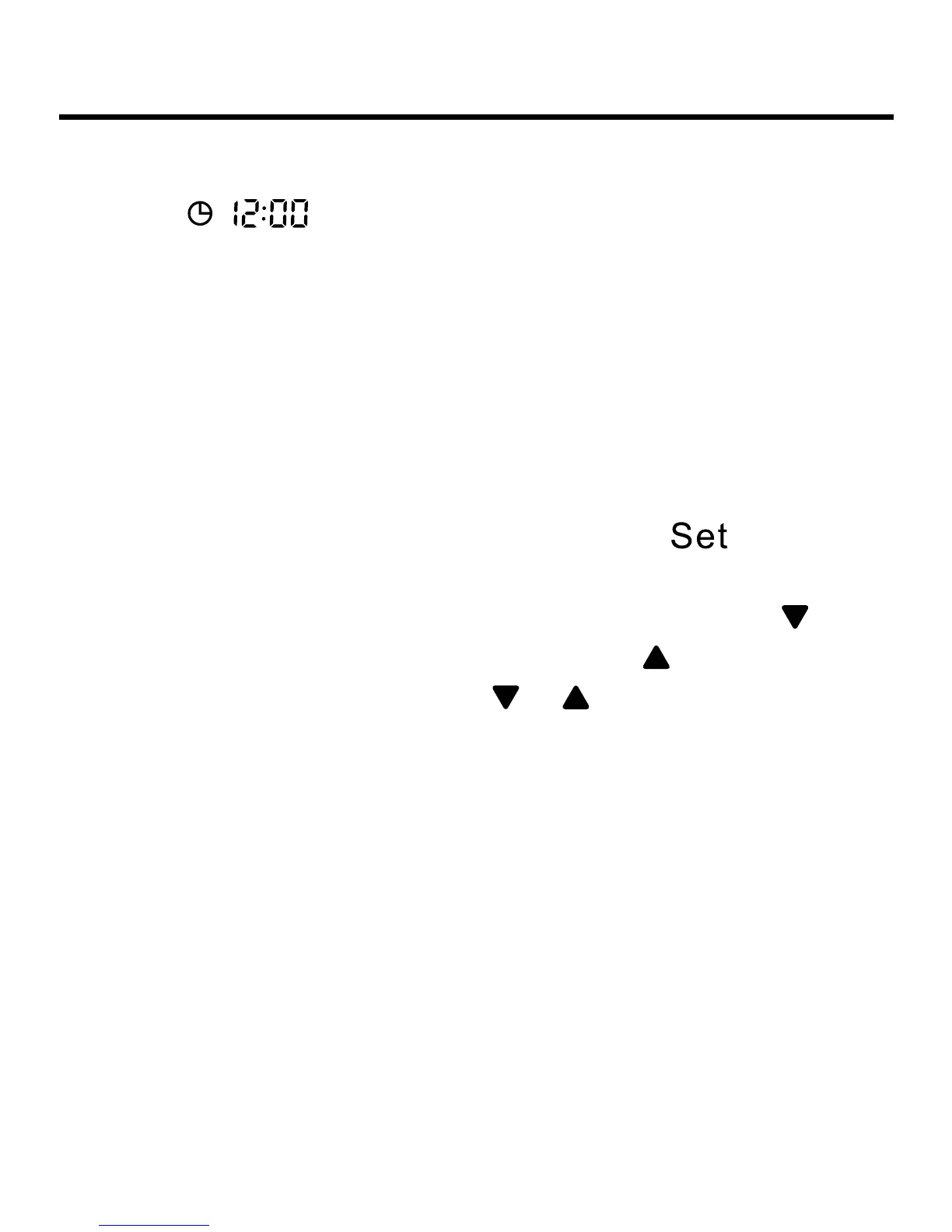
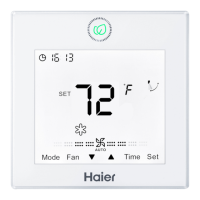
(3) Press Time key for 5s to enter clock setting function. It
will show
after rst powering on (if not rst time of
powering on, clock time is the memorized time), with clock
icon and minute-place ashing, meaning current time can be
adjusted. Press Up/Down key to adjust
minute-place with ashing of clock icon and no ashing of
minute-place. Press Time key to shift to hour-place, and then
press Up/Down key to adjust hour-place with ashing of clock
icon and no ashing of hour-place. After adjustment,
clock icon and hour-place will ash and press
key to
conrm and clock icon and time will display statically.
(4) Clock time adjustment: when adjusting time, press
one
time to reduce one minute/hour while press
one time to add
one minute/hour. Keep pressing
or key to accelerate time
adjustment, with 2 times/s change after 1 s, 10 times/s change
after 5s. After 10s, it will change by 10 minutes and frequency
is 10 times/s.
(5) In the process of time adjustment, if there is no operation
for 10s, it will quit and restore previous state.
(6) In the process of time adjustment, press ON/OFF key to
quit clock setting function and execute turning on/off operation
at the same time.


 To Next Page