23
Operation
(6) After the function is set, the angle of Up/Down or Left/Right
swing can be normally adjusted in the main interface. Press
the SET key to enter function circulation. When Up/Down
swing icon ashes, press SET key, and then swing angle
position 1 will ash. Press Up/Down key to adjust the angle.
When the adjusted swing angle is executed, the health airow
up/down is canceled simultaneously.
Sleeping
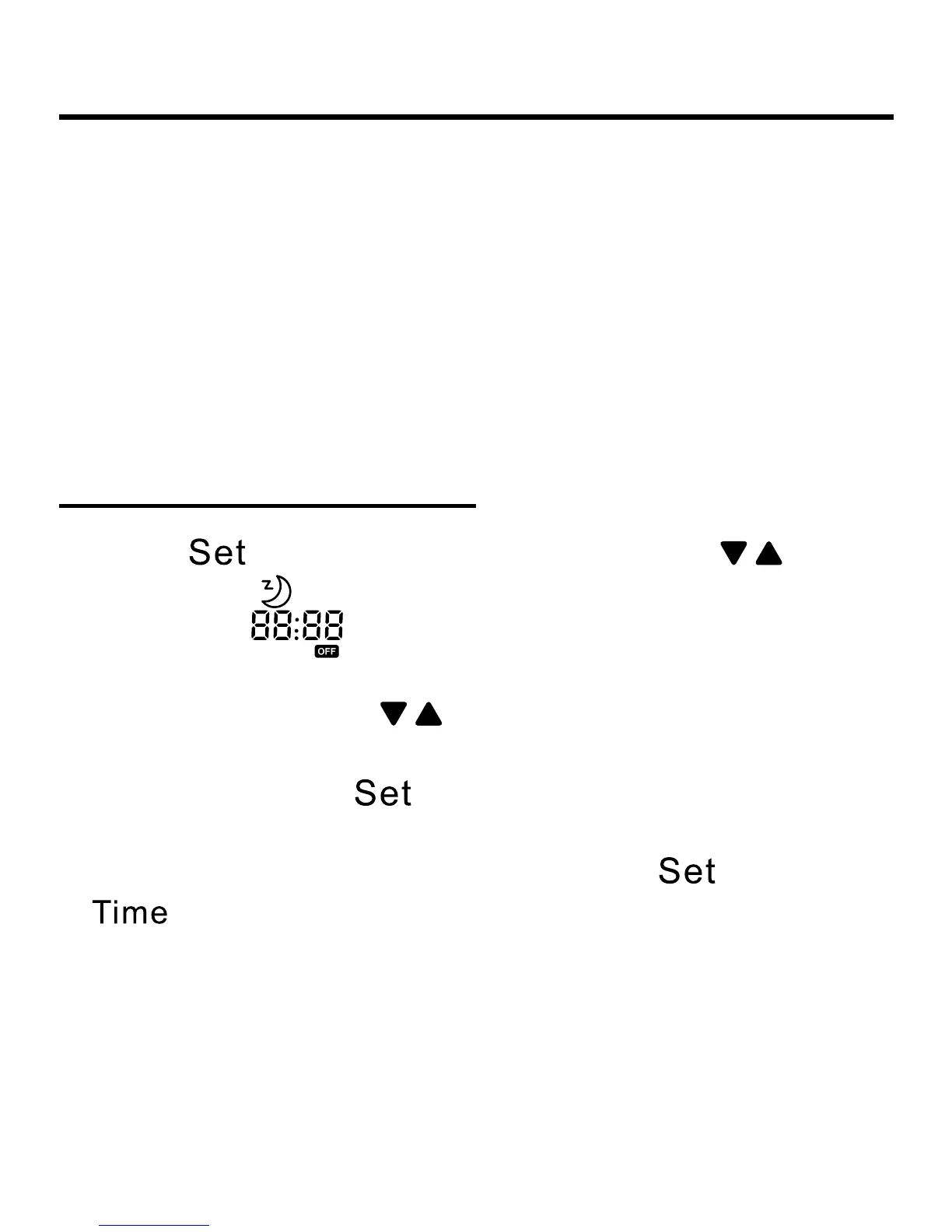
(1) Press key to enter function setting, press to the
sleeping icon “
” and it will ash, the sleeping time will
display by the
which is on the top-right corner. Press
Time key to enter sleeping time setting. “OFF” and sleeping
icon are ashing. Press to adjust the sleeping time by
0.5h once, the range of sleeping time is from 0.5h to 72h. After
the adjustment, press
key again to conrm the operation.
“OFF” and sleeping icons are statically displayed.
(
2) During sleeping icon is ashing, pressing
key instead
of
key, the wired controller will take the converse
operation of previous sleeping state. If there is sleeping set,
cancel it; if not, come into the setting operation.
(3) If power off is executed during sleeping, the sleeping
function is cancelled at the same time; there is no display when
powered on again. It needs to be reset if any requirement.


 To Next Page