12
Operation
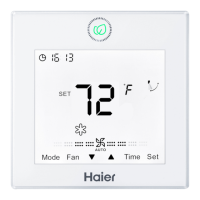
(1) 24-hour system is used, and at rst time of powering on, it
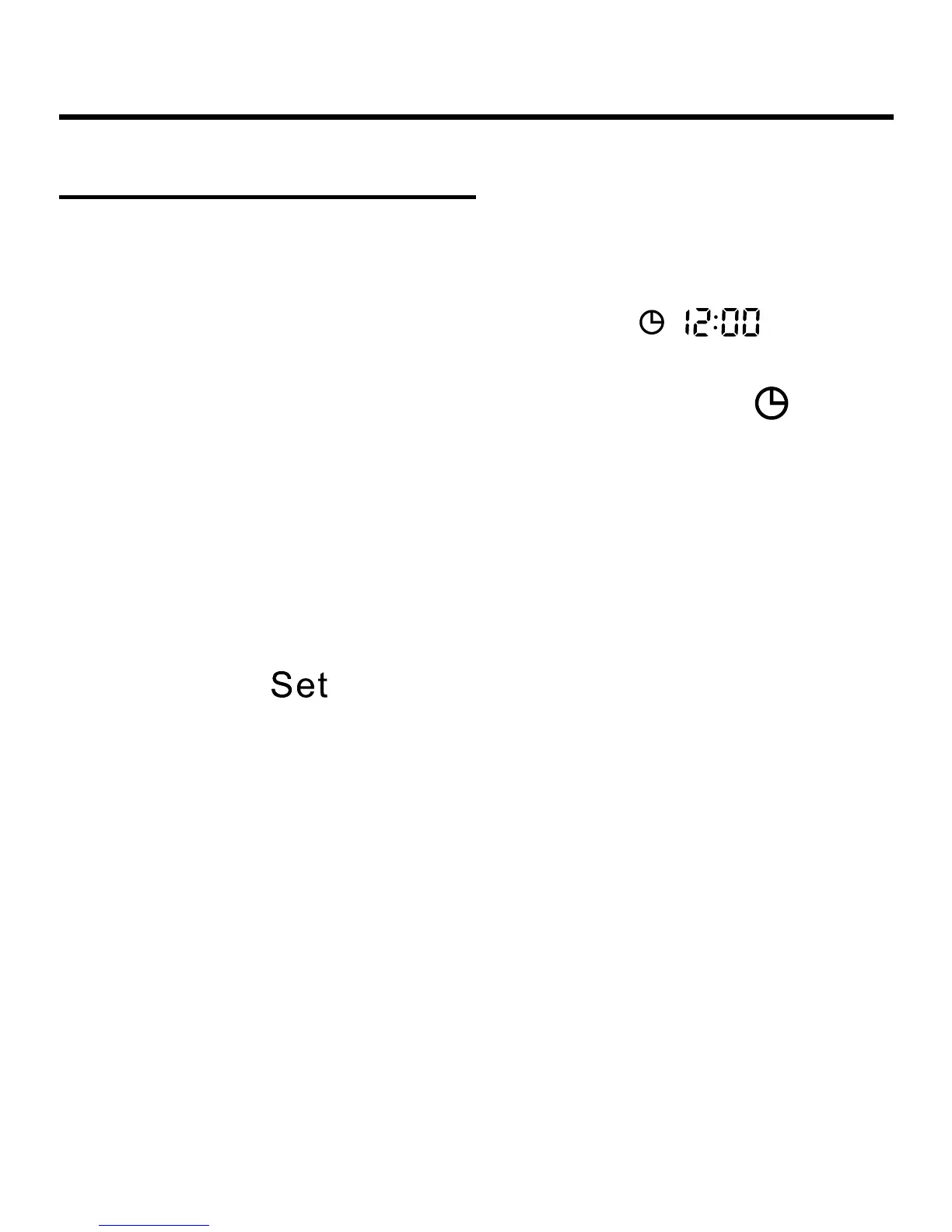
will display default 12:00.
(2) When rst powering on wired controller,
will be
displayed on the wired controller interface, clock time can
be adjusted within 10s. At the same time, clock icon
and
minute-place of time will ash, meaning the current time can
be adjusted. Press Up/Down key to adjust minute-place with
ashing of clock icon and no ashing of minute-place. Press
Time key to shift to hour-place, and then press Up/Down key
to adjust hour-place with ashing of clock icon and no ashing
of hour-place. After adjustment, clock icon and hour-place will
ash and press
key to conrm and clock icon and time
will display statically.
Clock Function


 To Next Page