31
Operation
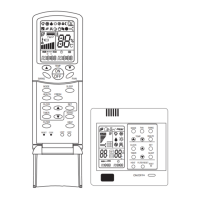
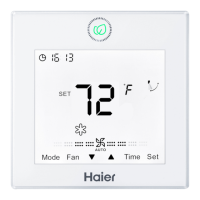
(1) Press Set key for 5s to enter the function circulation, and
then press Up/Down key to switch to
(the second 8 of 88.8
in the temp. display area displaying A) →
(the second 8
of 88.8 in the temp. display area displaying B) →
(motion
sensing).
(2)
①
After motion sensing A is set, the character A will
disappear with room temp./set temp. displaying. The icon of
motion sensing will display statically.
②
After motion sensing B is set, the character B will disappear,
with room temp./set temp. displayed. The icon of motion
sensing will ash in the xed frequency.
③
After motion sensing is set, the icon of motion sensing
will be displayed for 2s and disappear for another 2s to have
respiratory effect.
Motion sensing (Only valid for part of models)


 To Next Page