6
2.Press
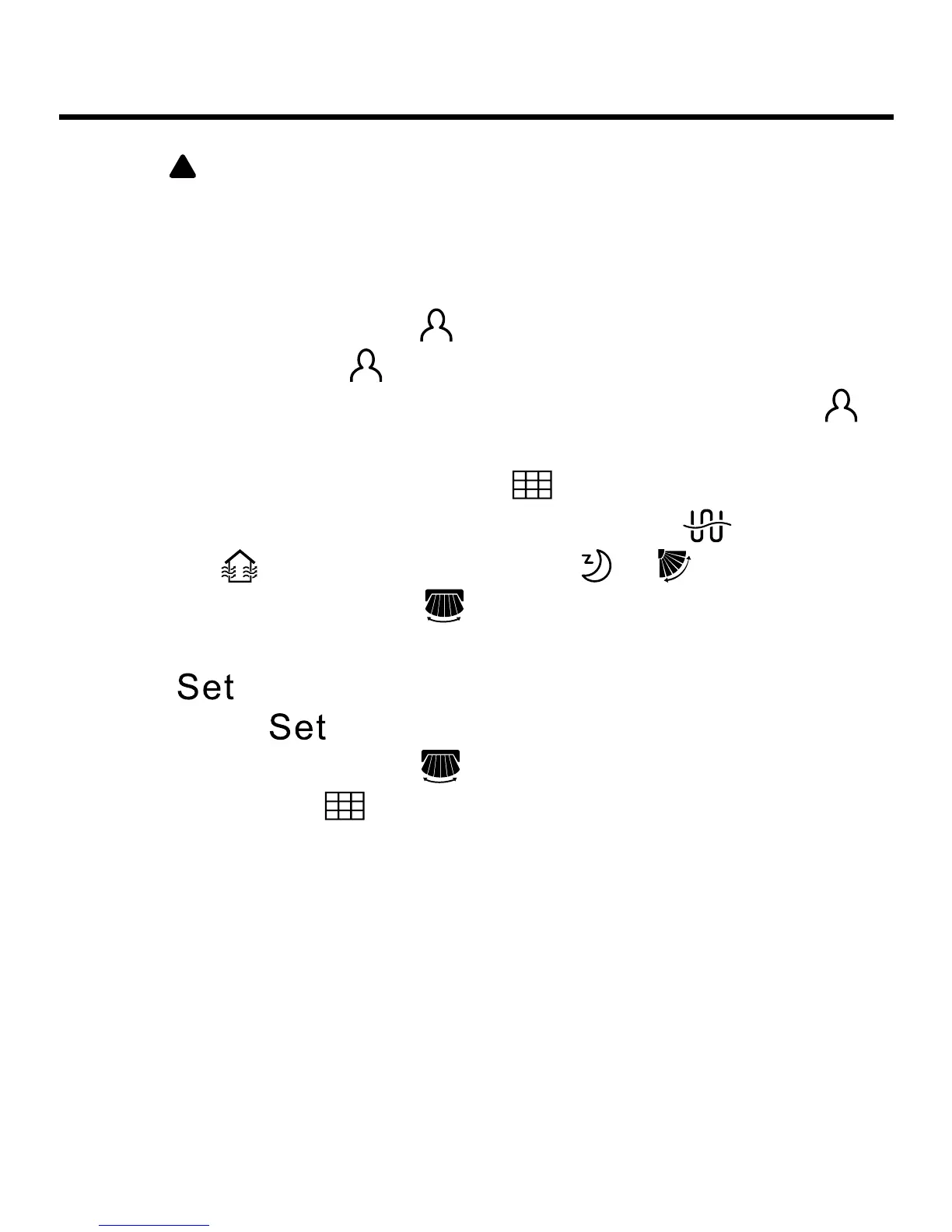
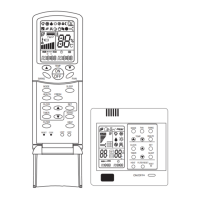
to select the functions in sequence as follows:
health airow down (Only valid for part of models) → health
airow up (Only valid for part of models) →10°C heating
function (this function only works in the heating mode, only
valid for part of models) →
(motion sensing,only valid
for part of models) →
(the second 8 of 88.8 in the temp.
display area displaying B,only valid for part of models) →
(the second 8 of 88.8 in the temp. display area displaying
A,only valid for part of models) →
(When it’s time for lter
cleaning, this icon will involve in circulation) →
(reserved
function) →
(ventilation function) → → (Only when
Up/Down swing is valid) →
(Only when Left/Right swing is
valid)
3. Press
to conrm function selected. If there is function
selected, press
can cancel this function.
Note: The Left/Right swing
is valid only after the dip switch
is set, the lter icon
is shown only after the lter requires
cleaning.
Parts and Functions


 To Next Page