- 24 -
Showing the set up pages in order.
(* In Flip mode, modifying the order is available.)
6.2. Modify
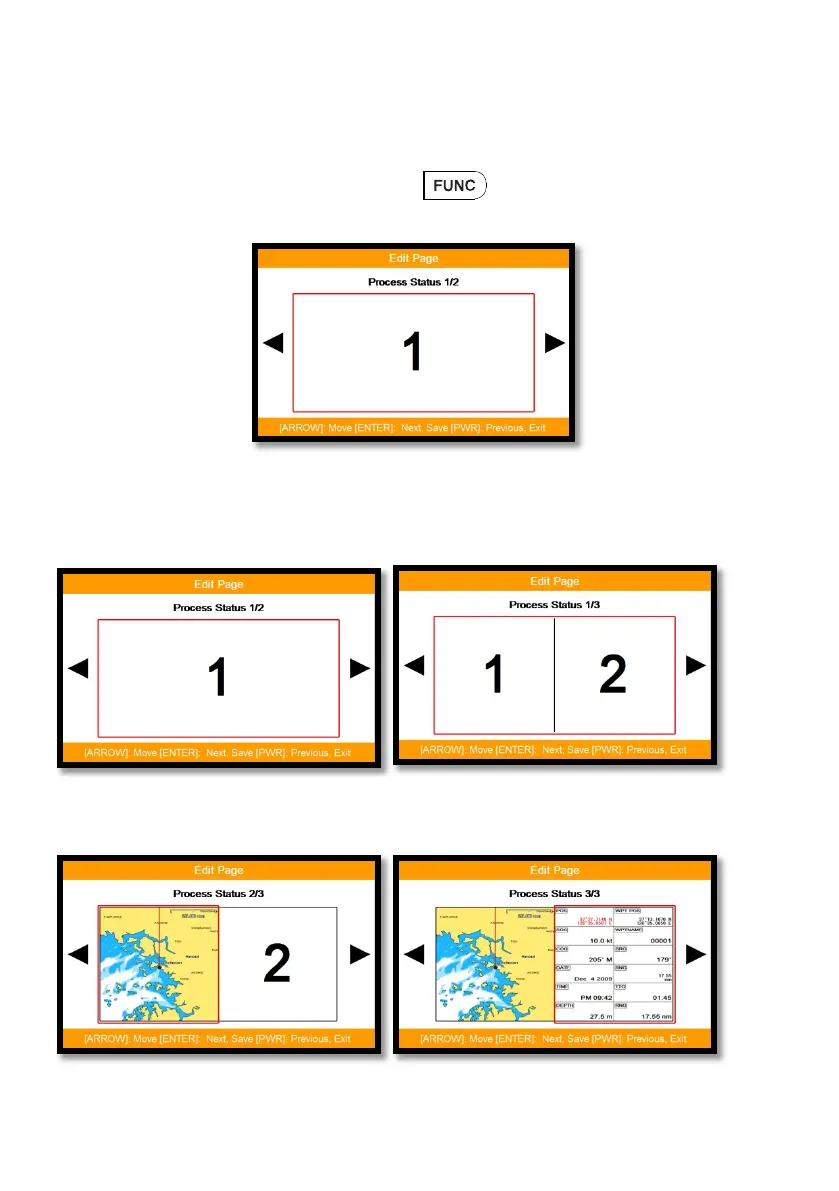
After choosing the page in (Fig1.3), keep pressing until the window comes out as
(Fig.1.3.1).
(Fig.1.3.1)
Choosing the frame with [◀][▶].
Two frames as (Fig 1.3.2).
(Fig.1.3.2)
After choosing the box, choose the page as (Fig.1.3.3).



 To Next Page