109
Save the Setup
INITIALIZE THE CF CARD
The CF CARD must be “INITIALIZED” first (= before you use it). Perform the
following, step by step, to do the initializing operation.
This operation erases all data in the CF card.
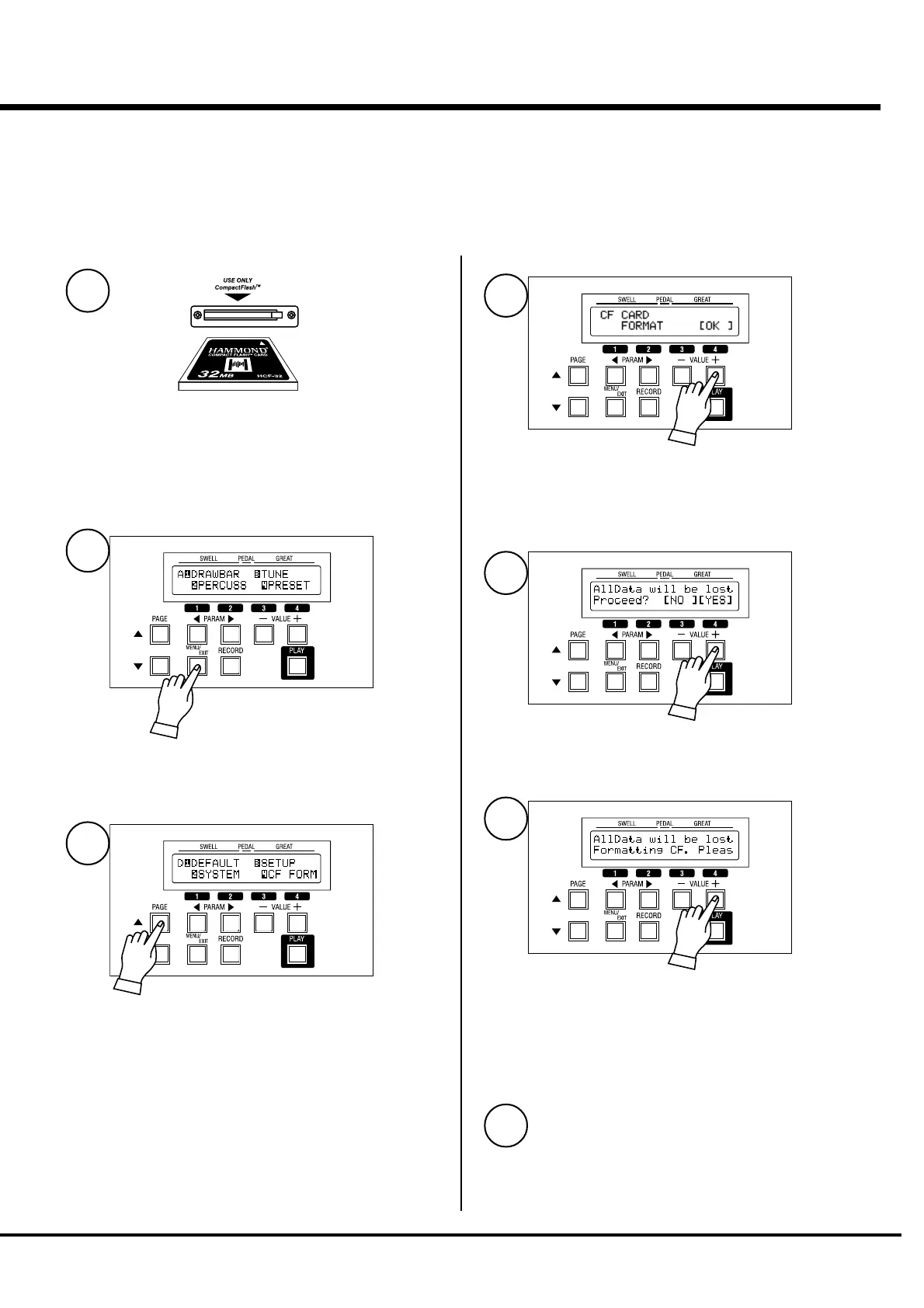
Insert the CF card into the slot.
Press the [MENU/EXIT] button.
Select PAGE D by the [PAGE] button.
Press [4] CF FORM.
The FORMAT mode is displayed.
Press the [4] OK button.
The Confirmation message is displayed.
Press the [4] YES button.
The initialization starts and takes only a few seconds.
NOTE: To cancel initializing, press the [3] NO button.
To return to the PLAY mode, press [PLAY].
1
2
3
5
6
7
4


 To Next Page