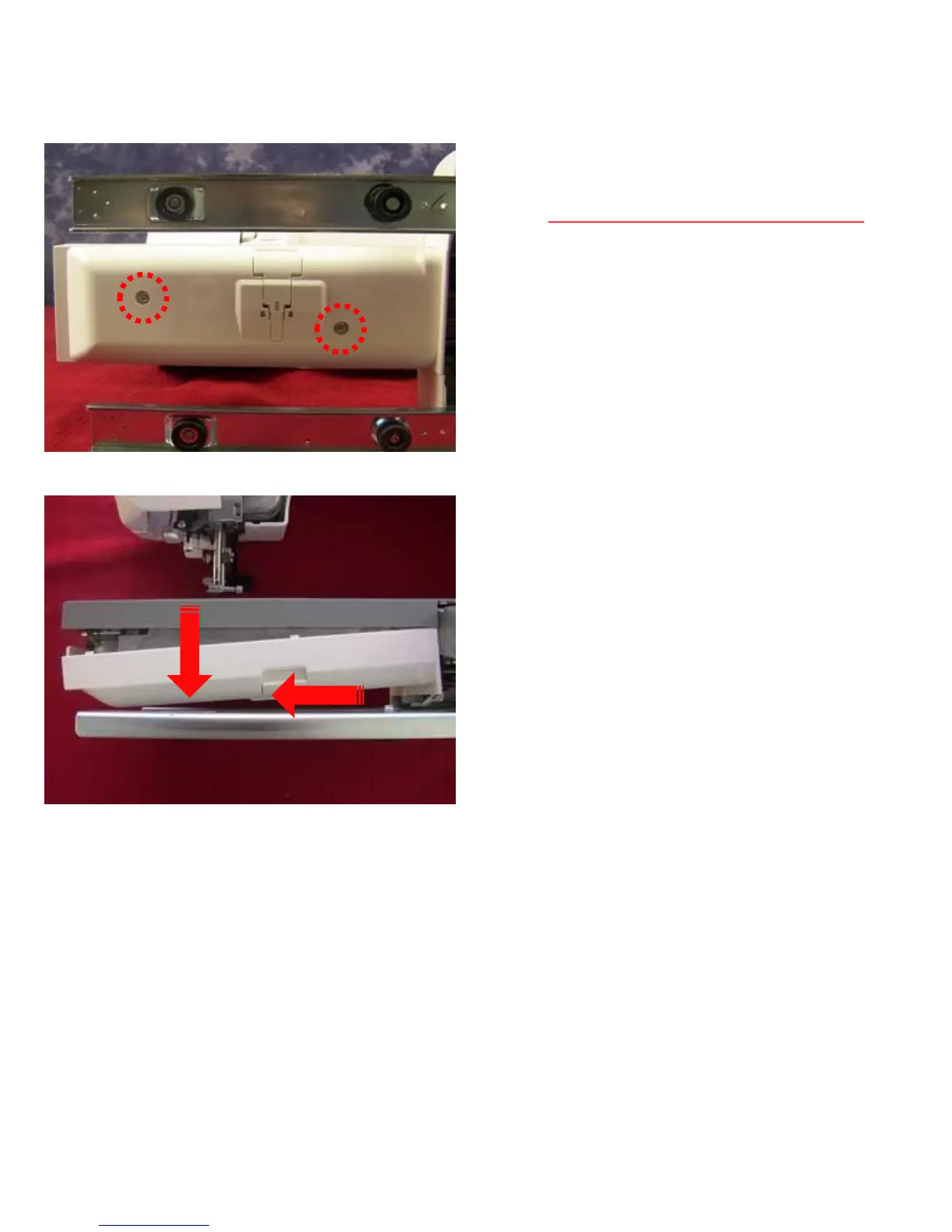
Bed Cover Removal
1. Locate the two screws that hold the bed
cover to the machine. Remove these two set
screws. (Machine screws with fine threads)
2. First pull down on the end of the cover and
second very gently start to slide the bed cover
to the left. Be careful how you pull it because
there are wires underneath and you do not
want to scratch or cut them.
6
1
2



 To Next Page