Operation
22
B. Indicators
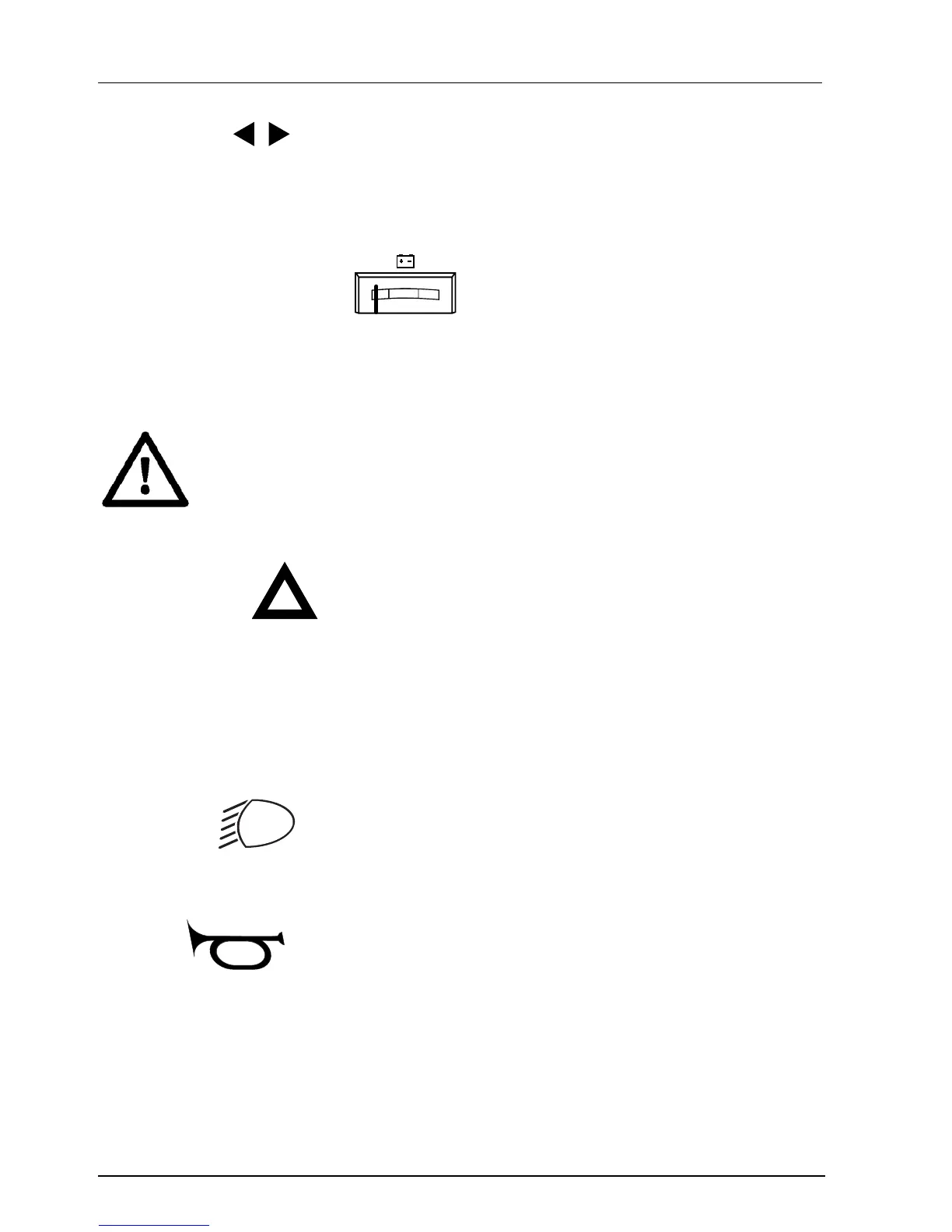
Pushing the switch to the right will switch on the right indicator light.
Pushing the switch to the left will switch on the left indicator light.
Pushing the switch back to its center position will switch off the indicator light.
C. Battery-condition meter
22
23
24
25
26
100%
0%
EF
The battery condition meter gives a global indication of the condition of the
batteries.
If the the pointer is in the green area, this means that the batteries are charged to
their maximum.
If the the pointer is in the orange area, this means that the batteries
are quite substantially discharged. The scooter may be used, but
the batteries should very soon be recharged.
If the pointer is in the red area, the batteries should be recharged as
soon as possible.
D. Alarm lights
Pressing this button will turn on the alarm lights.
You should use the alarm lights if you fear you will not be seen by other traffic, or if
you are stopped because of a malfunction.
Pressing this key a second time will switch off the alarm lights again.
Note
This key can also be used if the ignition key has not been inserted into the lock.
E. Lighting
The lighting is switched on when the lighting button is pressed:
By pressing the button a second time, the lighting is switched off again.
F. Horn
The horn buttons are used to give a warning signal in dangerous situations.
The horn will sound for as long as you keep the switch pressed.



 To Next Page