49
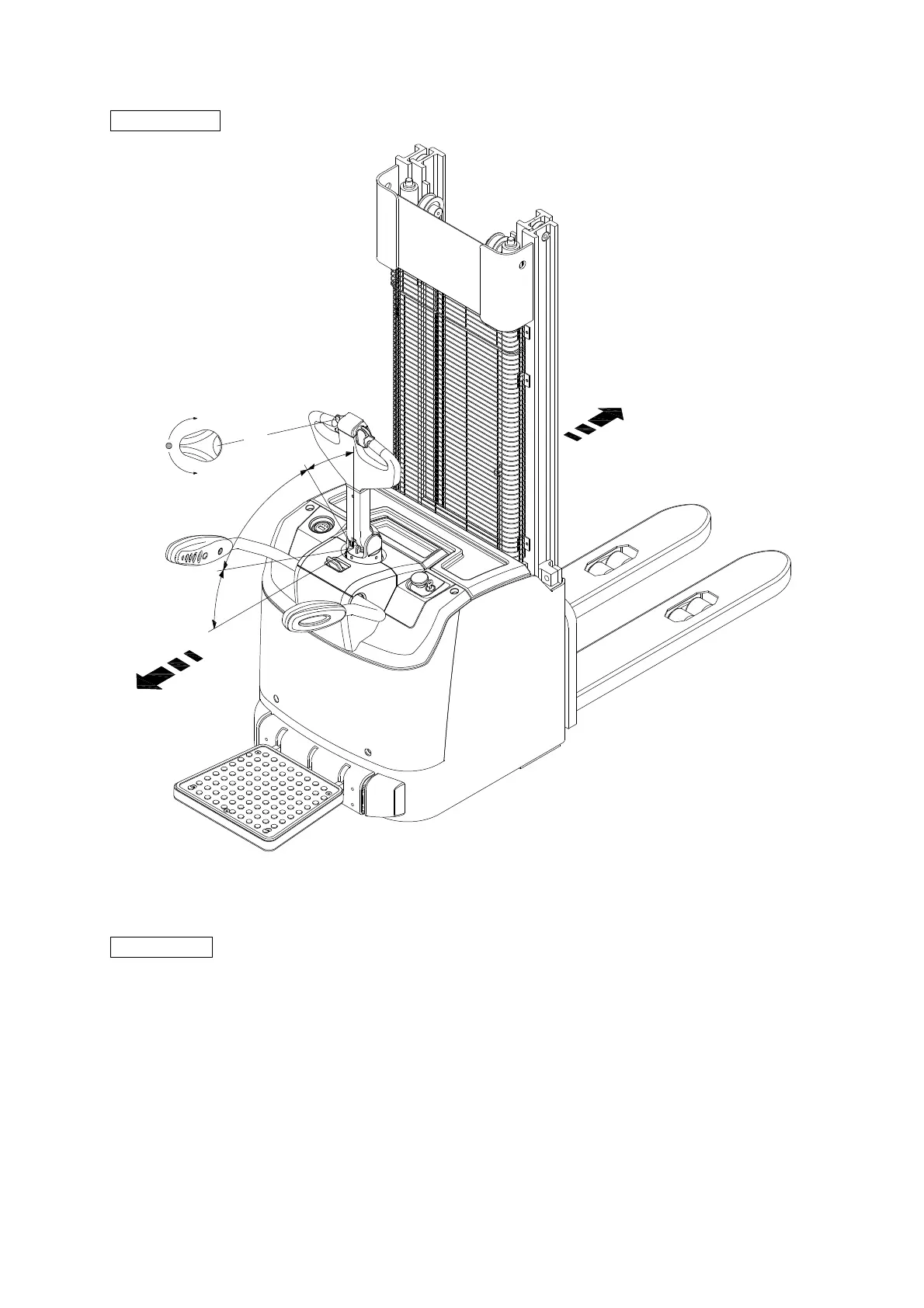
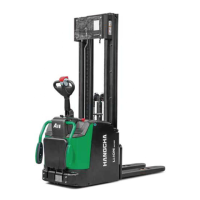
Stand-on type
Slow down
– Slowly loosen the thumb, the direction speed control button will return automatically and the truck
slows down.
Stand-on type
– Start up the truck
– Open the pedal
– Step on the pedal
– Swivel the control handle to driving range (F).
– Adjust the direction speed control button (17) to the desired direction
– Control truck speed by direction speed control button (17). Speed is controlled by rotating the
driving switch, and the maximum rotation can get fast speed.
Others refer to pedestrian-type contents.
B1
B2
F
19



 To Next Page