The oven
Page EN-19
The display stops flashing and the time is
permanently displayed.
This display is the standard display.
Timer functions
WARNING
Fire hazard!
There is an increased risk of fire with
the timer.
Please ensure that you always observe
the following when using the timer:
■ Before starting the timer, please
make sure to inform all members of
the household so that they do not
put anything in the oven.
■ Monitor the oven while using the tim-
er in order to prevent spills and burn-
ing.
■ Please note that fats, oils and alcohol
can catch on fire when heated.
■ Never leave anything to grill unat-
tended when using the timer!
Please observe the following points when
using the timer:
– You can pre-program up to 23 hours and
59 minutes in advance.
– A power failure will delete all programmes.
– If you want to cancel the automatic oper-
ation, hold down the OK button until the
display returns to the standard display.
– During automatic operation, you can use
the arrow buttons (19) to toggle between
the clock and timer displays.
Semi-automatic operation
Semi-automatic operation allows you to spec-
ify the desired cooking duration or shutdown
time during operation. The oven automatical-
ly switches off after the cooking duration is up
or after the shutdown time has expired.
Setting the cooking duration or
shutdown time
Requirements:
– The current time must be set.
– No automatic operation may already be in
use. If an automatic operation is already
being used, hold down the OK button(18)
until the display returns to the standard dis-
play.
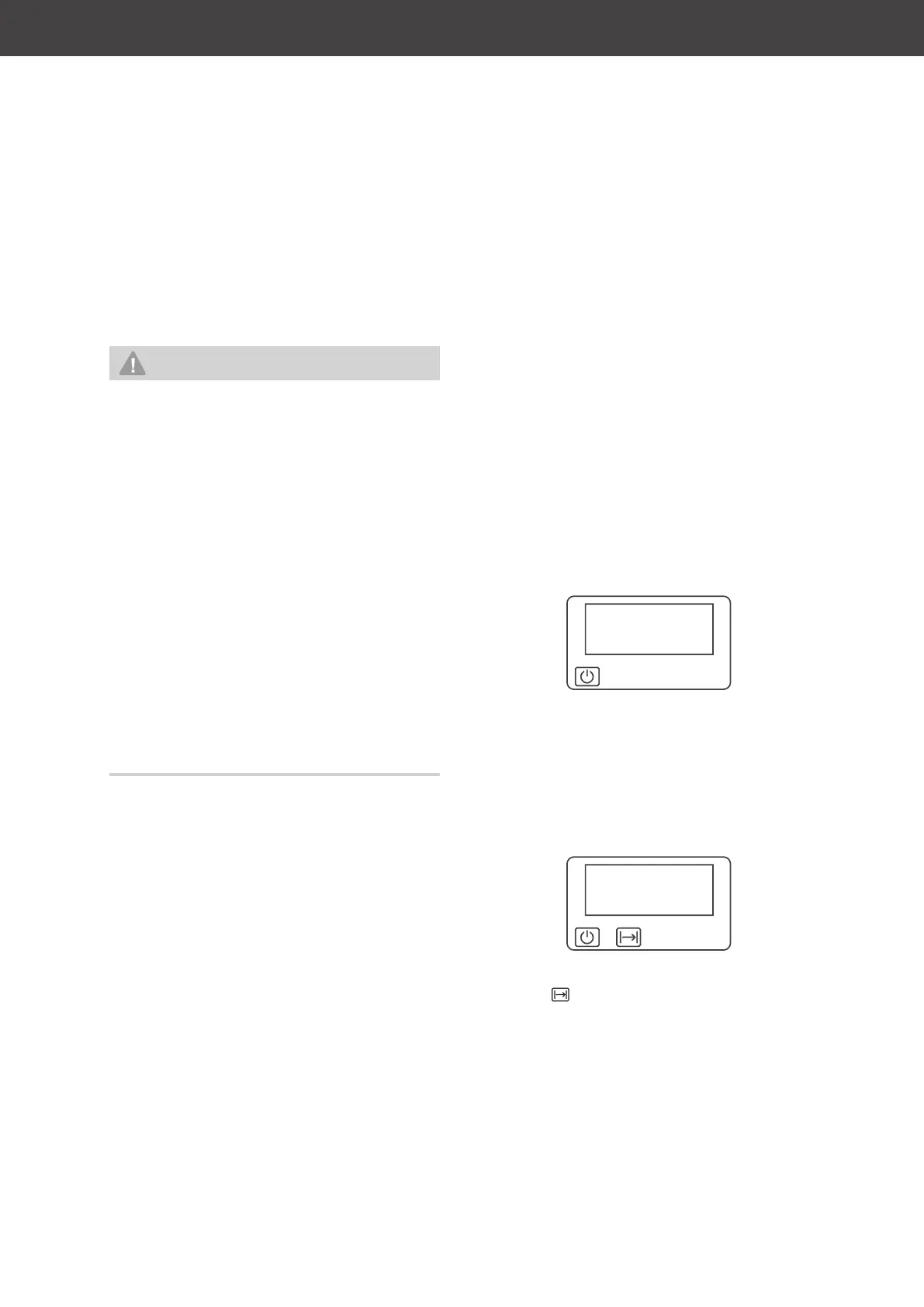
17:26
Standard display
1. Place the food in the oven and select the
desired operating mode and tempera-
ture.
2a If you wish to select the cooking dura-
tion, briefly press the OK button (18).
The oven switches off itself.
00:00
The clock displays the time 00:00 as well
as the symbol.



 To Next Page