The oven
Page EN-21
4. Press the ‘OK’ button once again.
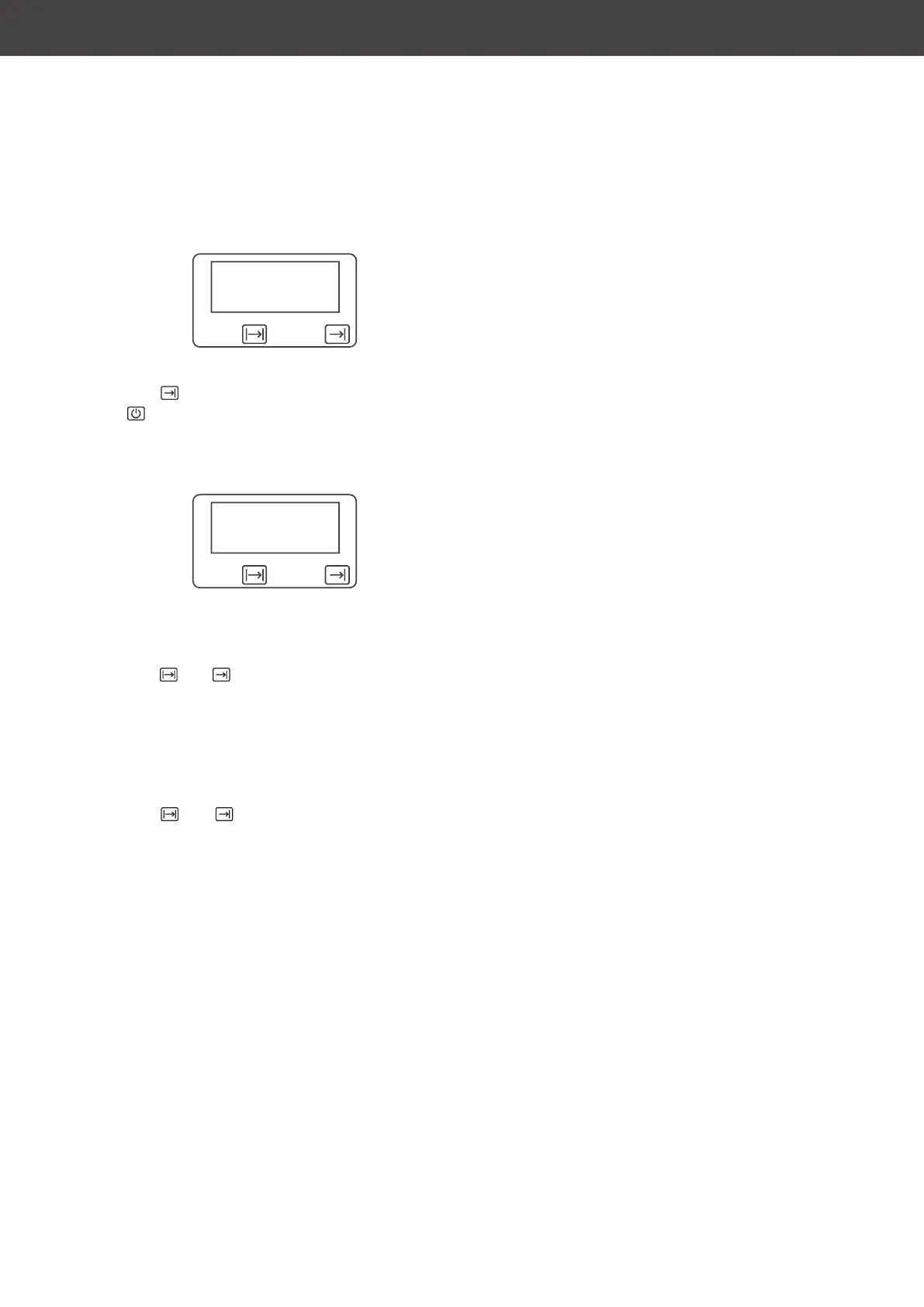
12:00
The clock displays the time 12:00.
The symbol is also displayed and the
symbol disappears.
5. Use the arrow buttons to select the shut-
down time. Confirm every
selection using
the OK button.
18:00
The oven will now switch on at the calculated
time and switch off again at the set shutdown
time (see figure above: 6 p.m.).
The and symbols are displayed while
the oven is in use.
When the shutdown has been reached:
– The oven automatically switches off itself.
– The oven beeps.
– The and symbols flash.
Stopping the automatic operation
1. Press one of the arrow buttons or the OK
button in order to stop the automatic op-
eration.
The beeping will stop and the display will
return to the standard display.
Attention: The oven will switch back
on.
2. Turn the oven dial (12) and temperature
controller (14) back to the ‘0’ position.



 To Next Page