18
harman/kardon Service Bulletin
Service bulletin # H/K2003-02 January 2002
Warranty labor rate: MINOR repair
To: All harman/kardon Service Centers
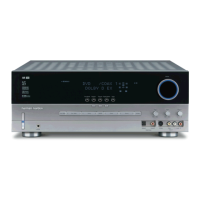
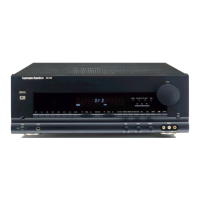
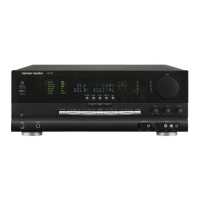
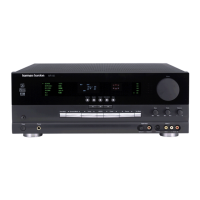
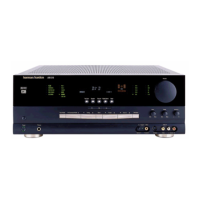
Model: AVR310, AVR510
Subject: Hum
In the event you receive an AVR310 or AVR510 with the complaint of Hum in all channels (speaker
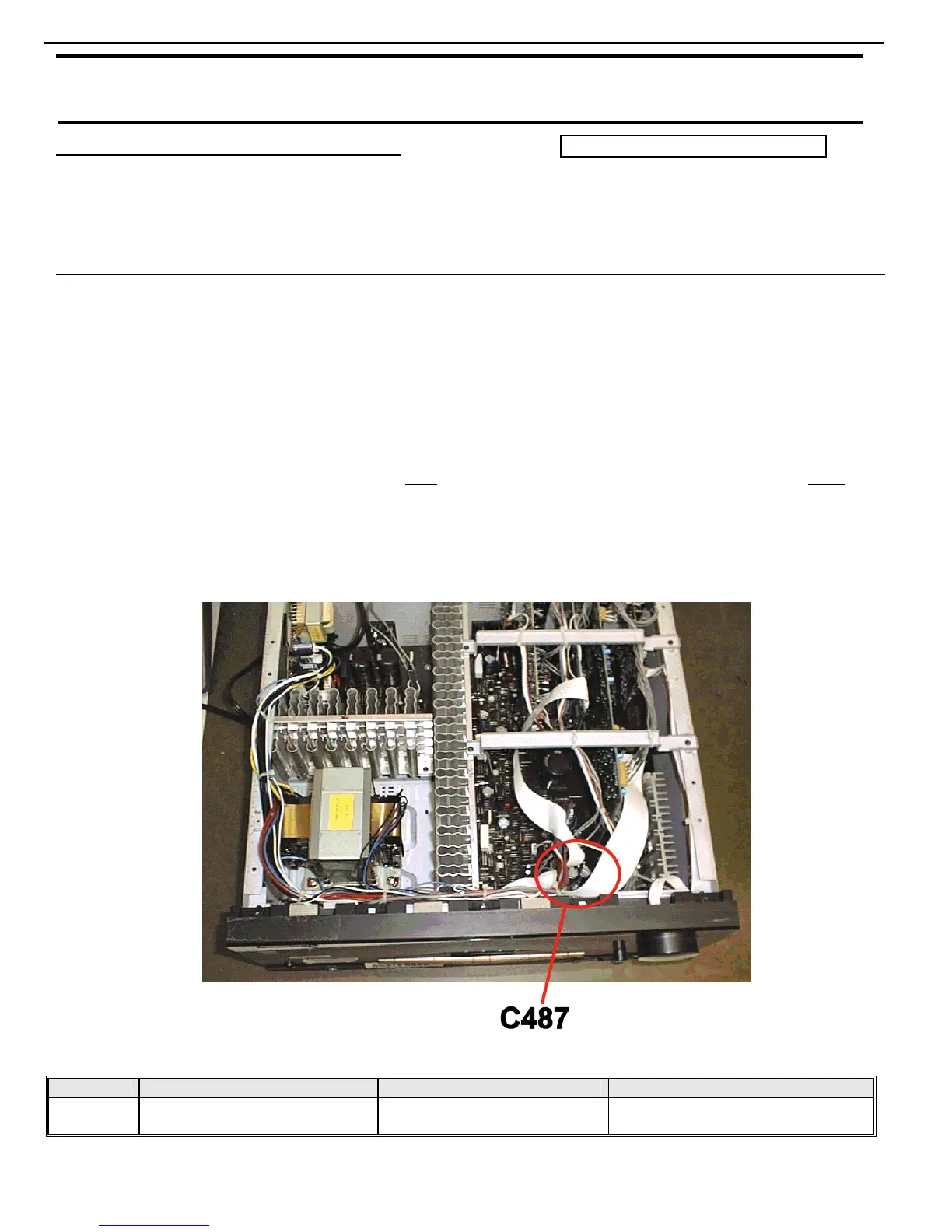
output), check and replace C487 (6800U 16V) in the regulated power supply on the main PCB.
Procedure:
1) Remove the top cover (14 Phillips screws)
2) Turn the unit on its side and remove the bottom grille (10 Phillips screws).
3) Locate and replace C487, (6800U 16V) The capacitor is located in the power supply section in the front
right quadrant of the main PCB. Replace only
with h/k part number 647-UVZ1C682MHH. (DO NOT
replace with original capacitor h/k part number J3420668236X).
4) Replace the bottom grille, top cover, and test the unit.
MODELS SERIAL NUMBER 120V STATUS ACTION
AVR310
AVR510
All serial numbers affected C487 may be defective Replace C487
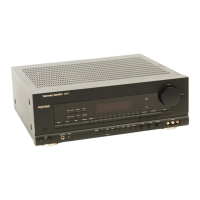
AVR310 harman/kardon




 To Next Page