Rack mounting the chassis
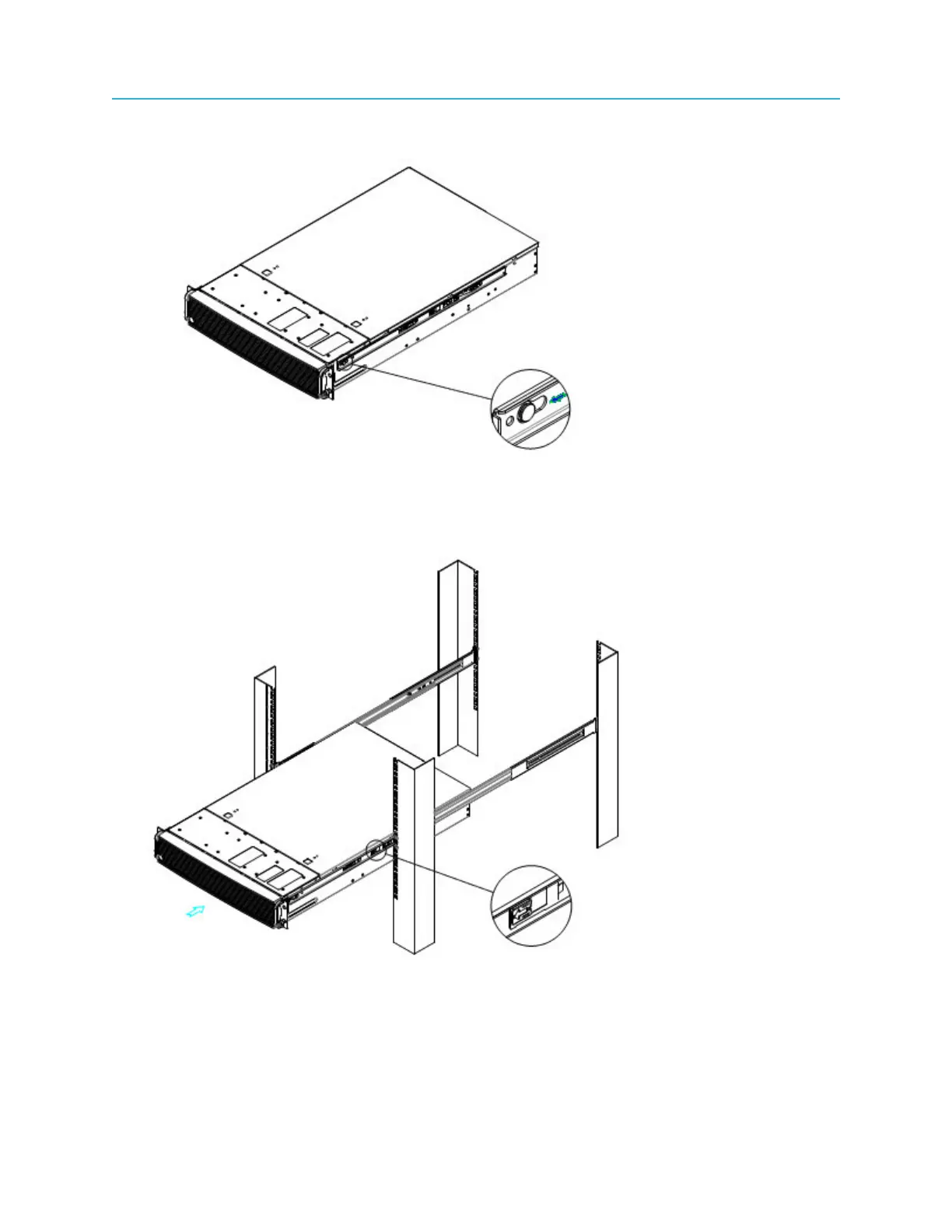
Figure 3-1: Installing inner member to chassis
2. Install the chassis to the fixed slides by pulling the release button in the inner member to release the
lock and allow the chassis to close.
Figure 3-2: Installing chassis to fixed slides
3. Pull the blue release button in the inner member to release the lock and allow the chassis to slide into
the rack.
4. Install the bottom-most screw at the front to secure the chassis to the rack.
31 ProStream X 2.4.x Installation Guide



 To Next Page