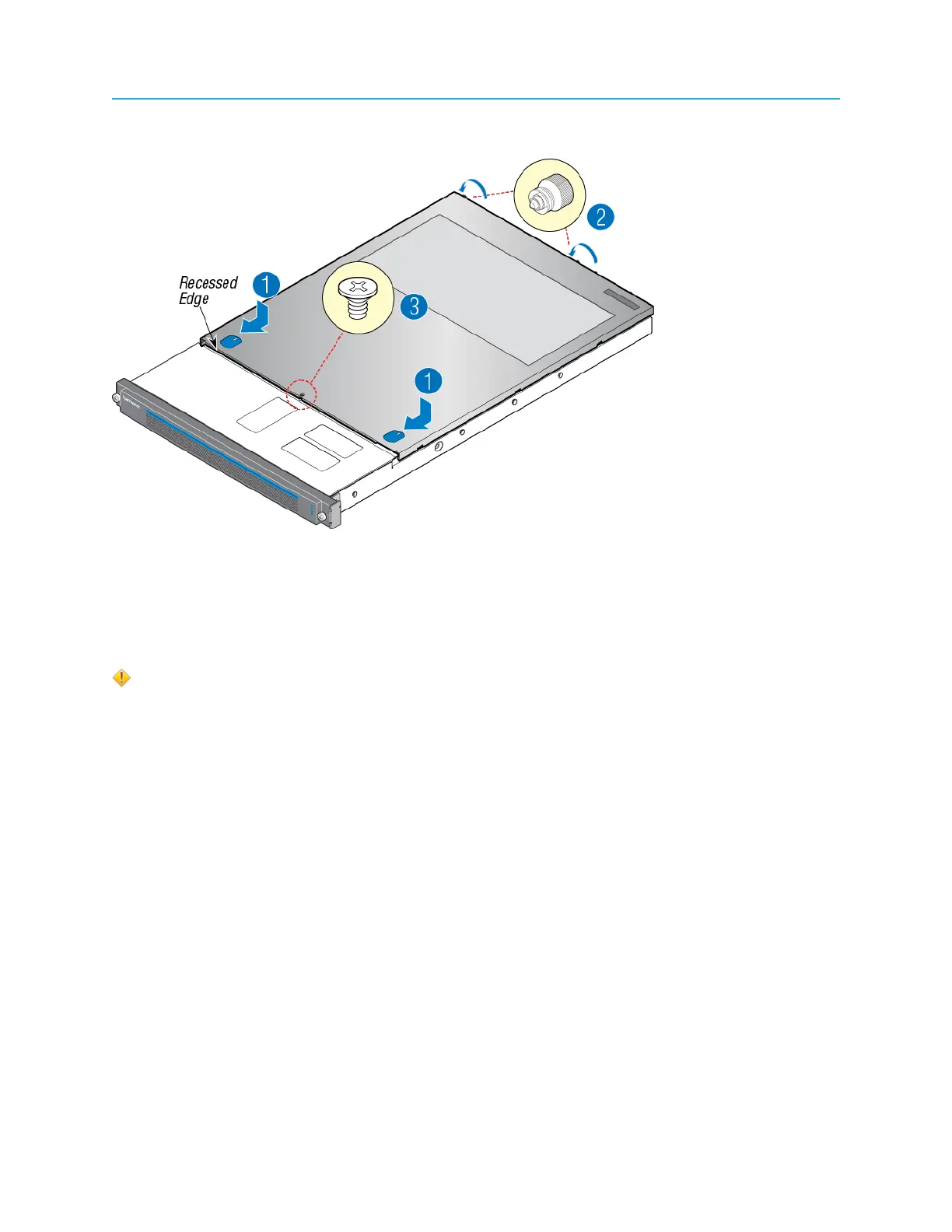
Chapter 3: Installing optional cards
Example:
Rack mounting the chassis
Be sure that you review the chassis warnings for rack mounting and servicing this device before
beginning this procedure.
CAUTION: The front panel is susceptible to electrostatic discharge (ESD) when the bezel
is removed. Wear the appropriate ESD protection when the bezel is removed.
1. Install the inner member (component D in the "AXXVRAIL Mounting Railside-mount" diagram) to the
chassis.
a. Align inner member key holes to the standoffs on the chassis.
b. Move the inner member in the direction shown in the example below.
30


 To Next Page