Chapter 4
Upgrading the ProStream firmware
You can upgrade the ProStream firmware through the Stand-alone GUI (SAG) or NMX.
• Upgrading the ProStream firmware via Stand-alone GUI (SAG)
• Upgrading the ProStream firmware via NMX
Upgrading the ProStream firmware via Stand-alone GUI (SAG)
You can either upgrade the firmware from a local server or an external server.
Upgrading the firmware from a local server
The procedure on how to transfer and install an updated firmware version from a local server using the
SAG, is described here.
Firmware Upgrade can be found on the Platform tab in SAG.
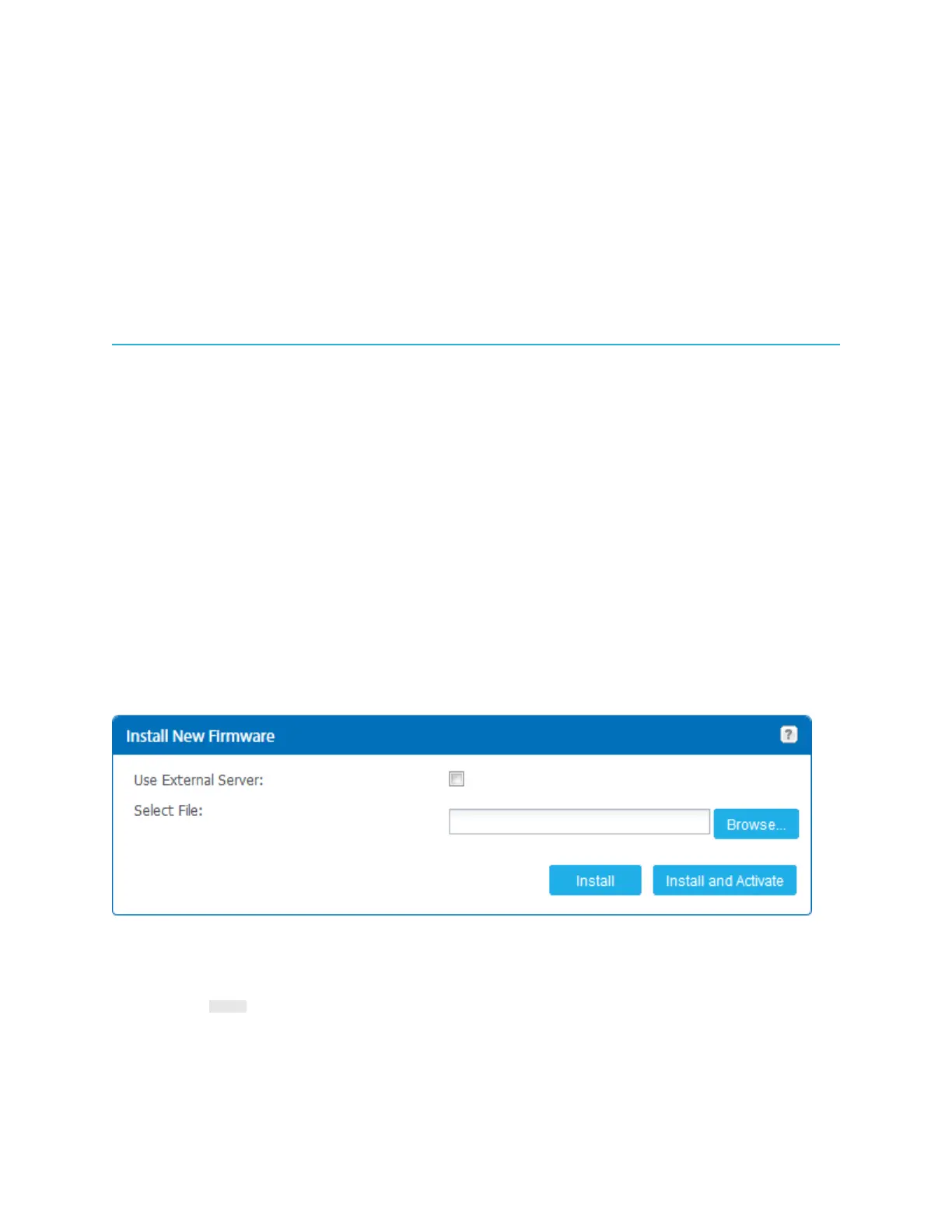
1. In the Install New Firmware section, click Browse and navigate to the updated firmware.
Result: The file is displayed in the field. The file name has a format with version number and the
extension .tar.
2. Click one of the following:
• Install - Transfers and installs the firmware file to the device.
• Install and Activate - Transfers, installs, and activates the firmware on the device.
33


 To Next Page