10
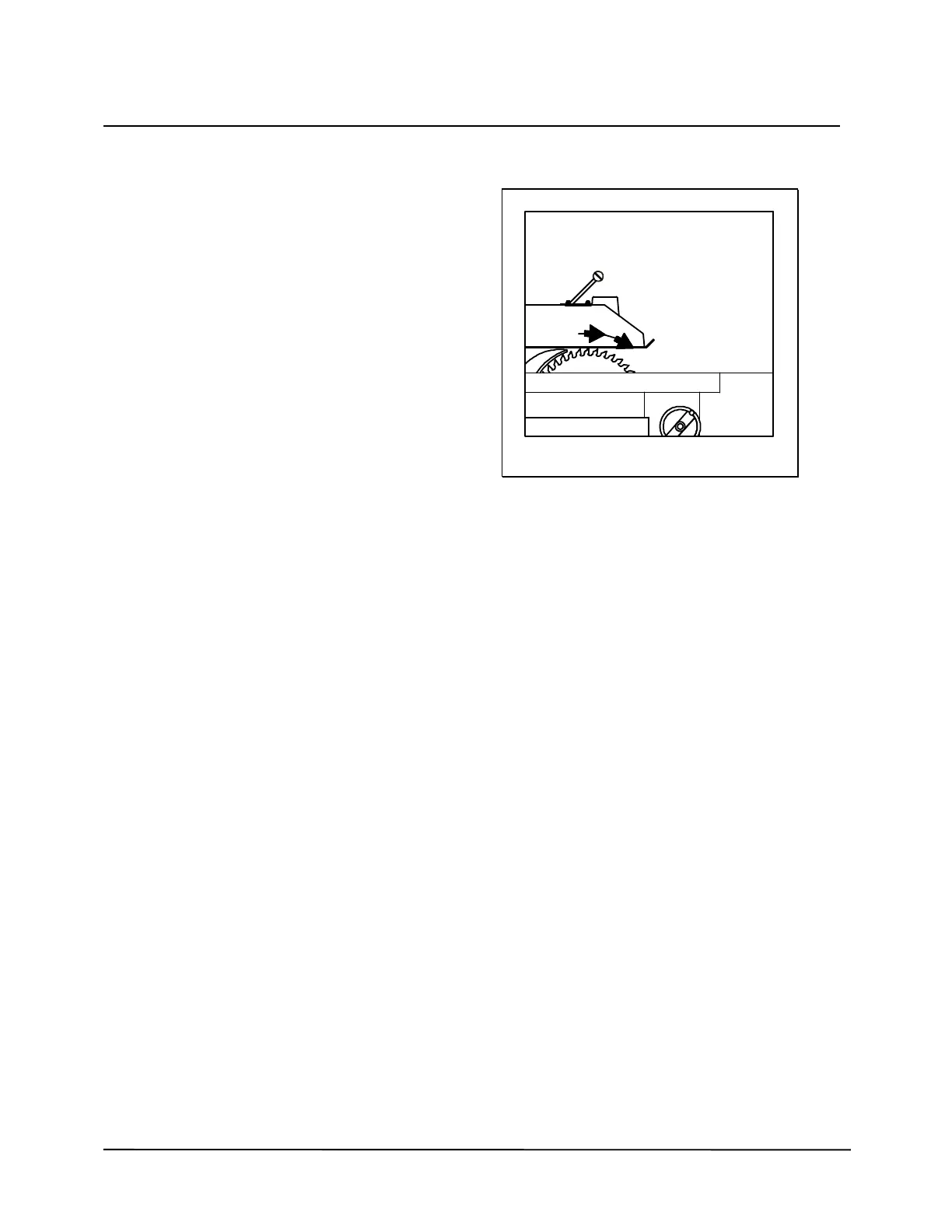
DIRECTION OF SPINDLE ROTATION
Disconnect the mains supply with the main
switch at the backside of the machine.
Remove the table insert, the saw nut, the
flanges and the saw-blade (see chapter
CHANGING THE SAW-BLADE).
0 Put the motor in the highest position.
PROPER DIRECTION IS CLOCKWISE
(Looking from the front side of the spindle to the
motor, fig. 3).
1 Connect the mains supply.
2 Switch motor on and off.
3 Check if direction is clockwise.
4 Disconnect the mains supply with the
main switch.
5 Put saw-blade, flanges and saw nut back
(see chapter CHANGING THE SAW-
BLADE).
6 Put table insert back.
WRONG DIRECTION IS ANTI
CLOCKWISE
(Looking from the front side of the spindle to the
motor fig. 3).
1 The spindle turns anti clockwise.
2 Disconnect the mains supply.
3 Open the switch at the backside of the
machine and interchange two phases.
4 Check the rotation again.
5 Disconnect the mains supply with the
main switch.
6 Put the saw-blade, the flanges and the
saw nut back on.
7 Put table insert back.
Figure 3


 To Next Page