USE ONLY HAYWARD GENUINE REPLACEMENT PARTS
2
Introduction
This manual assumes that the OmniHub has been installed and configured according to the Instal-
lation Manual and is using the latest firmware version available from Hayward. The OmniHub can
now be programmed with user desired settings such as schedules, themes, and favorites. This
manual will also explain how to manually turn pool equipment on/off, program settings for specific
equipment, view pool equipment status and conditions, and more.
Now that the initial configuration has been completed, the OmniHub will automatically go to the
Home Screen or Idle Screen. All settings and operation functions can be accessed from the Home
Screen. Note that if the OmniHub Control Pad is not touched for more than two minutes, the Idle
Screen will be displayed.
Using the Control Pad
The OmniHub uses the Control Pad touchscreen as the main interface with the device. Once
configured, the OmniHub can be controlled remotely by internet enabled devices such as comput-
ers, tablets, and phones. The Control Pad must be used to access the Configuration Wizard. The
Configuration Wizard is used for initial configuration (completed during the installation process) and
for any changes to existing configuration.
Idle Screen
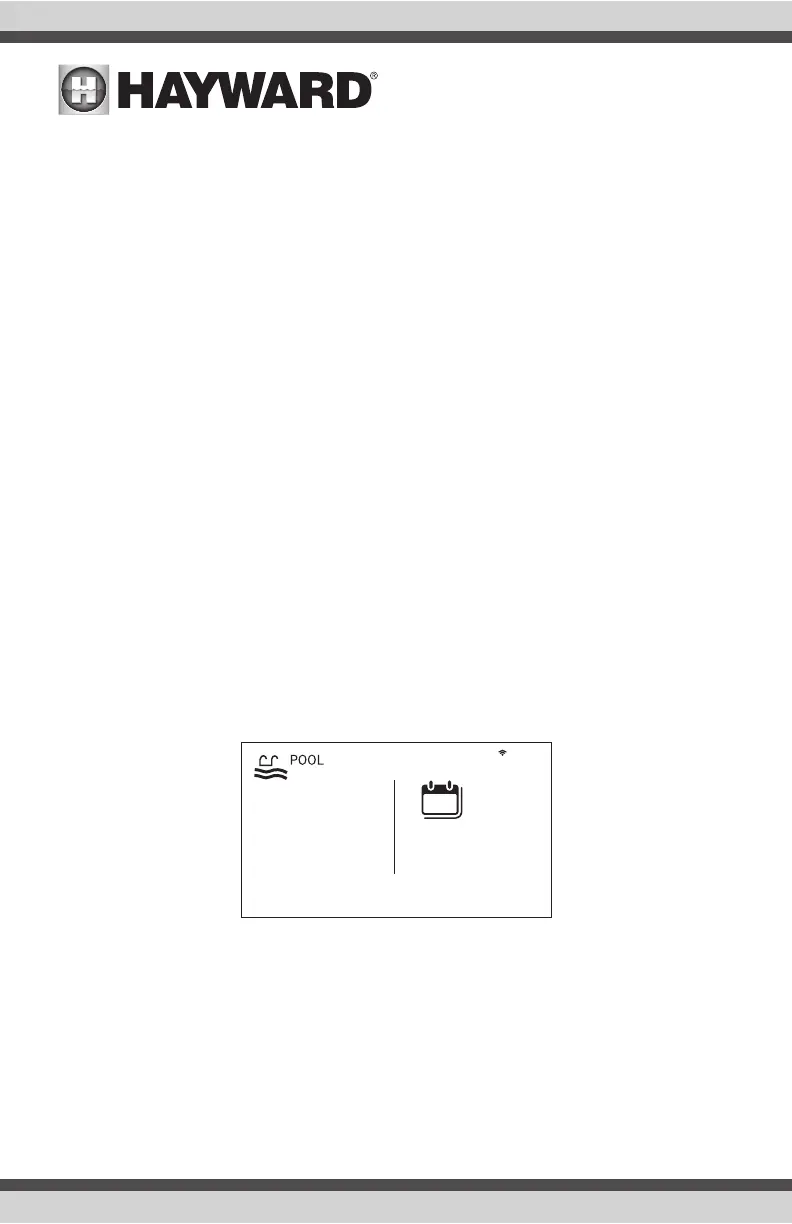
The Control Pad will display the idle screen after two minutes of user inactivity. When the filter
pump is on, the Idle Screen will display the current temperature of the pool on the left side of the
screen. On the right side of the screen, the time will be displayed and the air temperature will
toggle with the date as well as other information.
º
F
82
9:13 PM
FRIDAY
jul 13
13















 To Next Page