USE ONLY HAYWARD GENUINE REPLACEMENT PARTS
32
Set Level - you can change the amount of detail that is shown in the log file with this button.
You can also enable or disable data logging using the On/Off toggle.
Service Mode and Firmware Upgrade
Service Mode
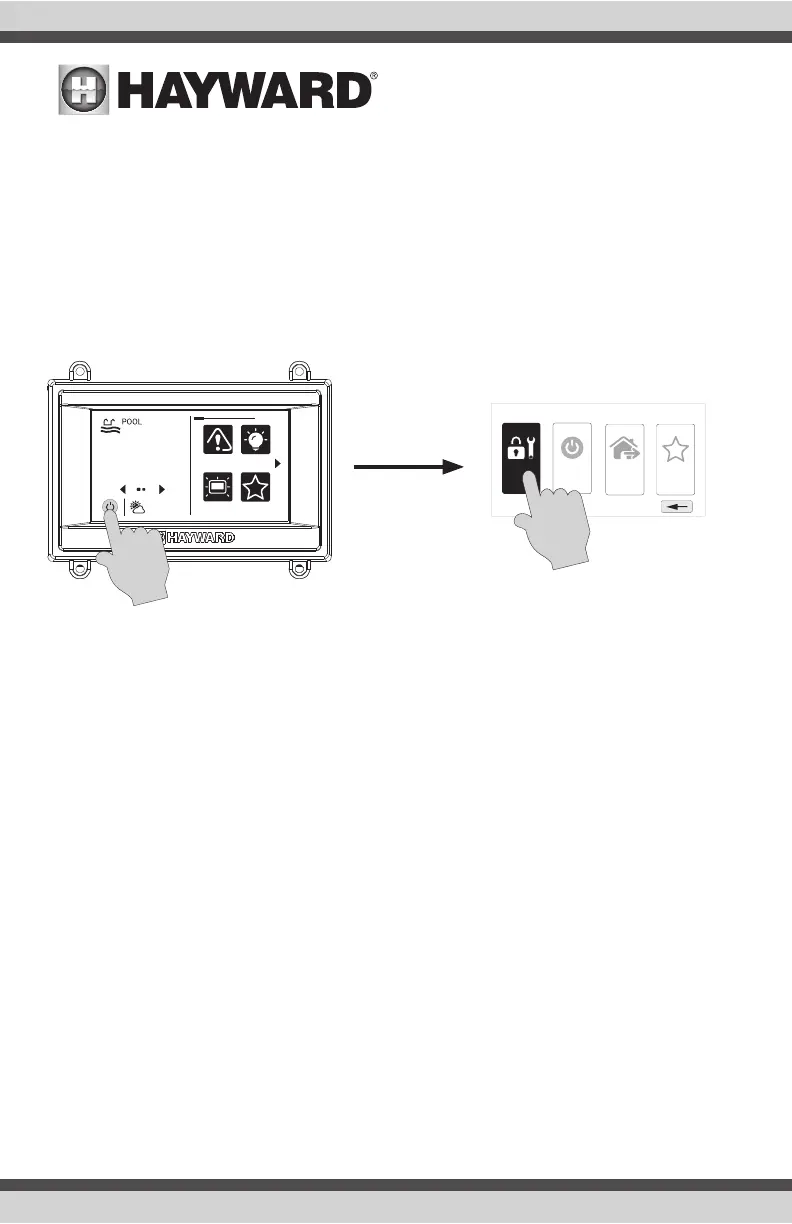
Service Mode is used for upgrading firmware, service maintenance and diagnostic functions. Note
that changes within Service mode should only be made by qualified individuals who understand the
connected pool equipment. Because systems will be disabled while in Service Mode, you will have
an option to set a timer before entering.
Because most functions in Service Mode require a qualified service professional, a brief overview is
shown below. You may be asked by Hayward Technical Service to access some of these functions to
provide information or help diagnose an issue.
LVR This function allows technicians to energize/de-energize the connected low voltage
relays.
HVR This function allows technicians to energize/de-energize the connected high voltage
relays.
Valve This function allows technicians to energize/de-energize the connected valves.
Sensor View and calibrate connected temperature sensors.
Chlorinator View diagnostic information and test the chlorinator function.
VSP View diagnostic information and test connected VSPs.
CS&D View diagnostic information and test Sense and Dispense equipment.
Config Some of the Config options operate differently while in Service Mode. There are also
additional Config options available in Service Mode that are not shown in Standard
Mode.
Backup - While in Service Mode, Backup adds a third option called “Clone Control-
ler to USB”. This would most likely be used by service personnel who are replacing
the mainboard in the OmniHub. This Clone option will allow for a mirror image of the
OmniHub’s configuration, settings, and attached devices to be written to a USB thumb
drive. After the mainboard is replaced, the OmniHub can be restored to all of the
original parameters. Only one clone file can be copied to a USB drive and this option
shouldn’t be used to copy an image to other OmniHubs. For those applications, one
should use the standard backup function (page 30).
daylight favorites
alarm lights
º
F
air
71º F
82
shut down
service
mode
simple
mode
features
off















 To Next Page