HD 7.1 USB AUDIO V3.0
Xear
Audio
Center
Introduction
Open
USB
Audio
Device
Software
CPL
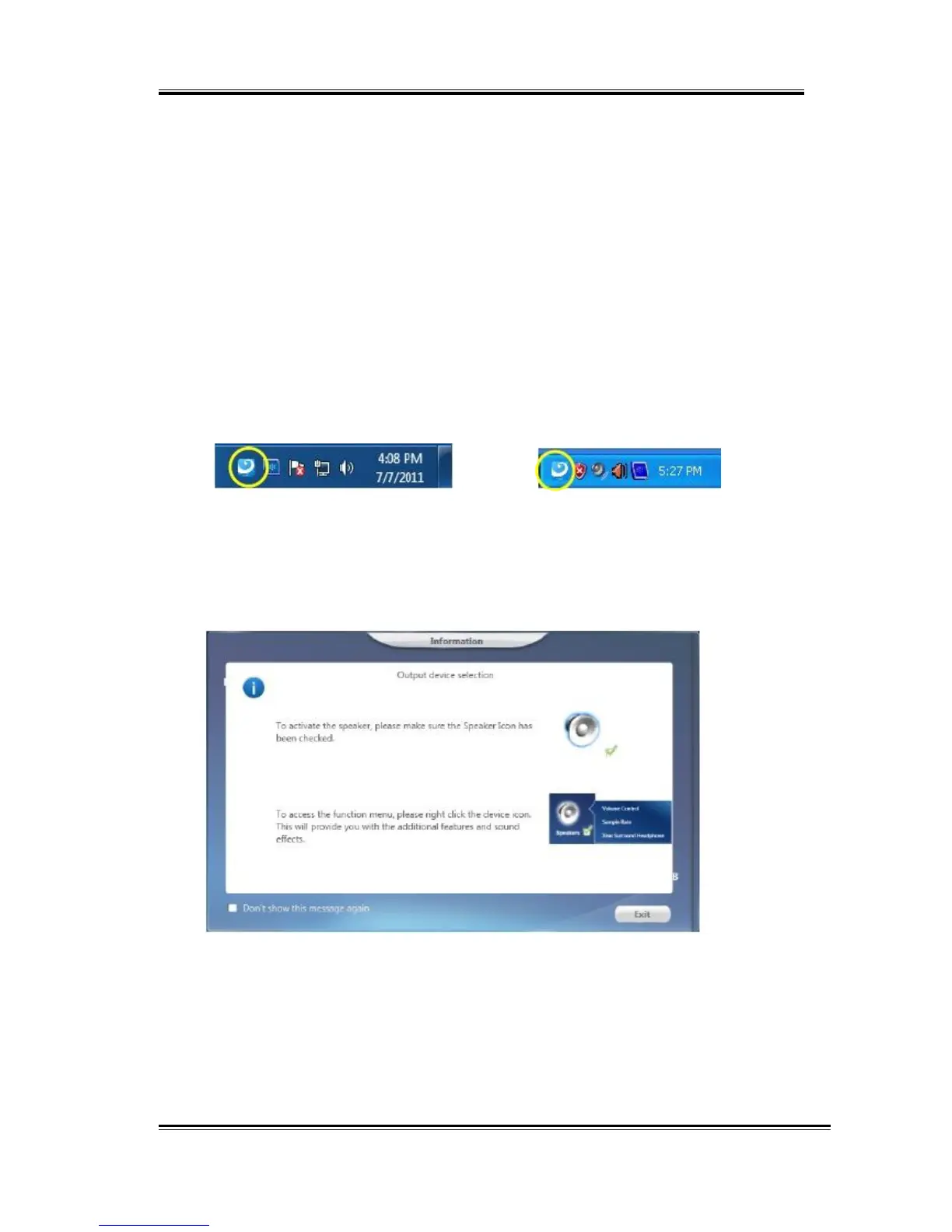
After the driver is installed and the system is rebooted, you will find the USB
Advanced Audio Device CPL (Xear Audio Center) icon on the system tray bar.
Double-clicking on the icon to open CPL software.
Win10/Win8/Win7/Vista Tray Icon XP Tray Icon
The first time Xear Audio Center is opened, you can see a message as
shown below. You can get the information about how to use Xear Audio
Center.
If you don’t want to see this window next time, check the “Don’t show
this message again” option.
10



 To Next Page