HD 7.1 USB AUDIO V3.0
Profile
Panel
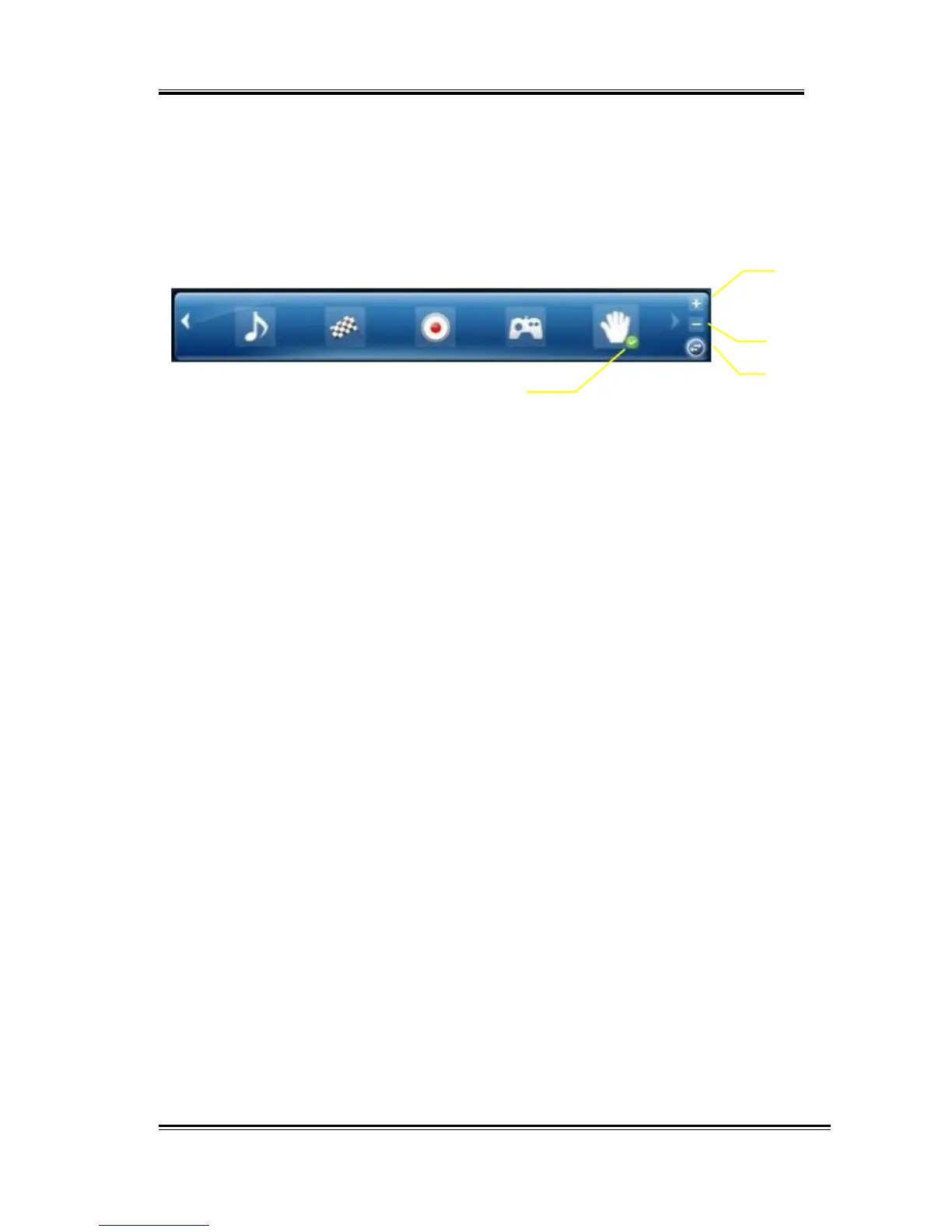
This is the profile for sound effect setting; it has the preset mode and the
user define mode. The user define mode can be customized.
2
3
4
1
1.
Profile
Mode:
You can set the preset profile mode by these profile buttons. When
the preset mode is active, there is a Green-check symbol shown on
the right-down corner.
2.
Add
Profile:
You can adjust specific sound effects (Ex: EQ, EM etc…) settings and
click this “+” add profile button to name and to create a user-define
mode.
3.
Delete
Profile:
You can click this “-“button to delete the user-define mode.
4.
Switch
Button:
This switches the Profile panel to Audio Status Panel.
23



 To Next Page