HD 7.1 USB AUDIO V3.0
Xear
Surround
Headphone
1
2
Function
Introduction
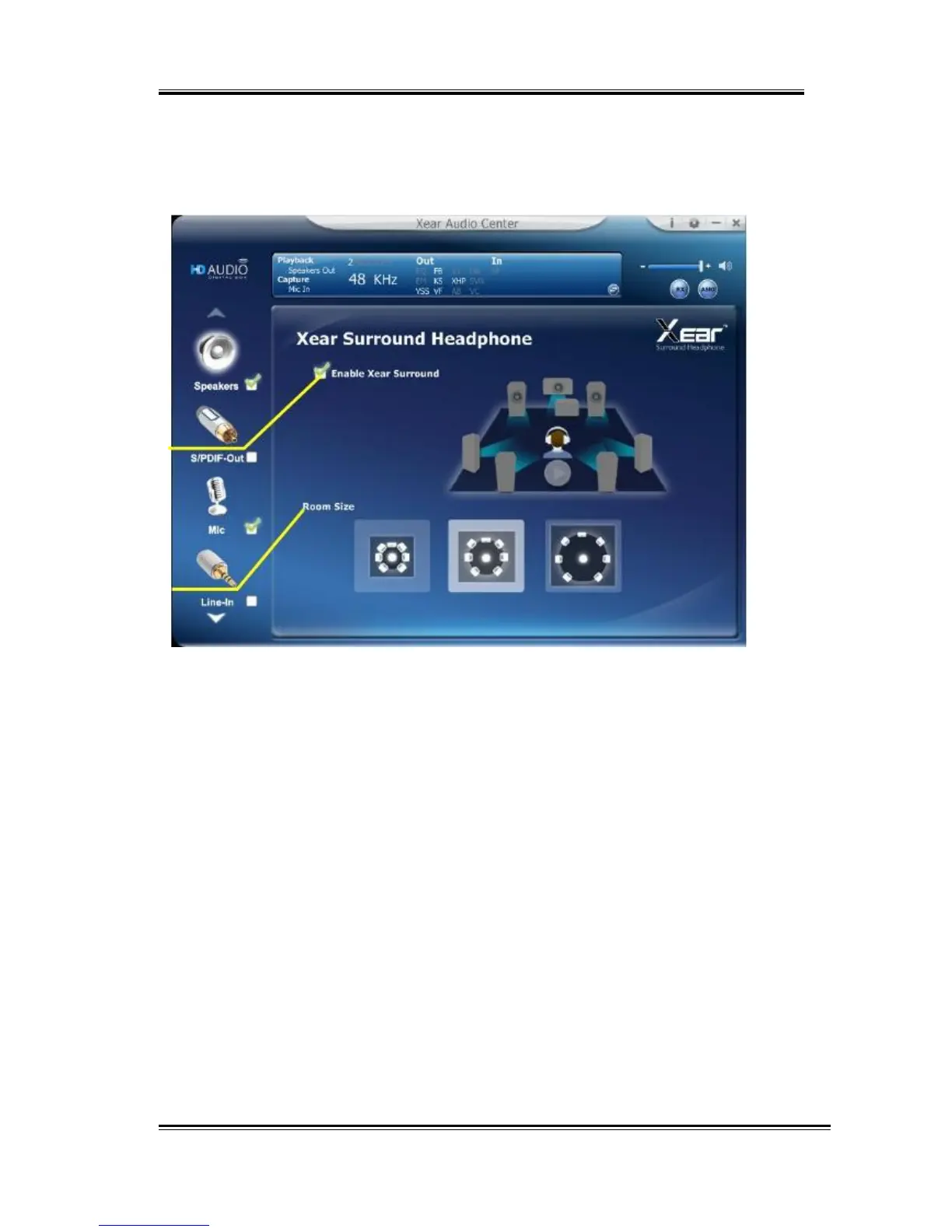
You can use this function to simulate a multi-speaker home theater
surround listening experience by 2 channel (Stereo) Headphone
device.
1.
Enable
Xear
Surroud
Click this check box to enable the Xear Surround sound
effect.
2.
Room
Size
Xear Surround Headphone provides 3 room size modes
and one anechoic room. You can change “Room Size
Button” to simulate the difference room size and room
type.
35



 To Next Page