HD 7.1 USB AUDIO V3.0
Software
Installation
and
Un-Installation
Notice:
Ensure that you have plugged-in the USB HD Audio before installing the USB 2.0
High-Speed True HD Audio driver. Otherwise, driver installation error may occur.
Before installing/Uninstalling, you should close all audio programs to avoid the driver
installation failure.
Please make sure your USB 2.0 High-Speed True HD Audio hardware device
is plugged-in and then double click the setup.exe file.
Installation
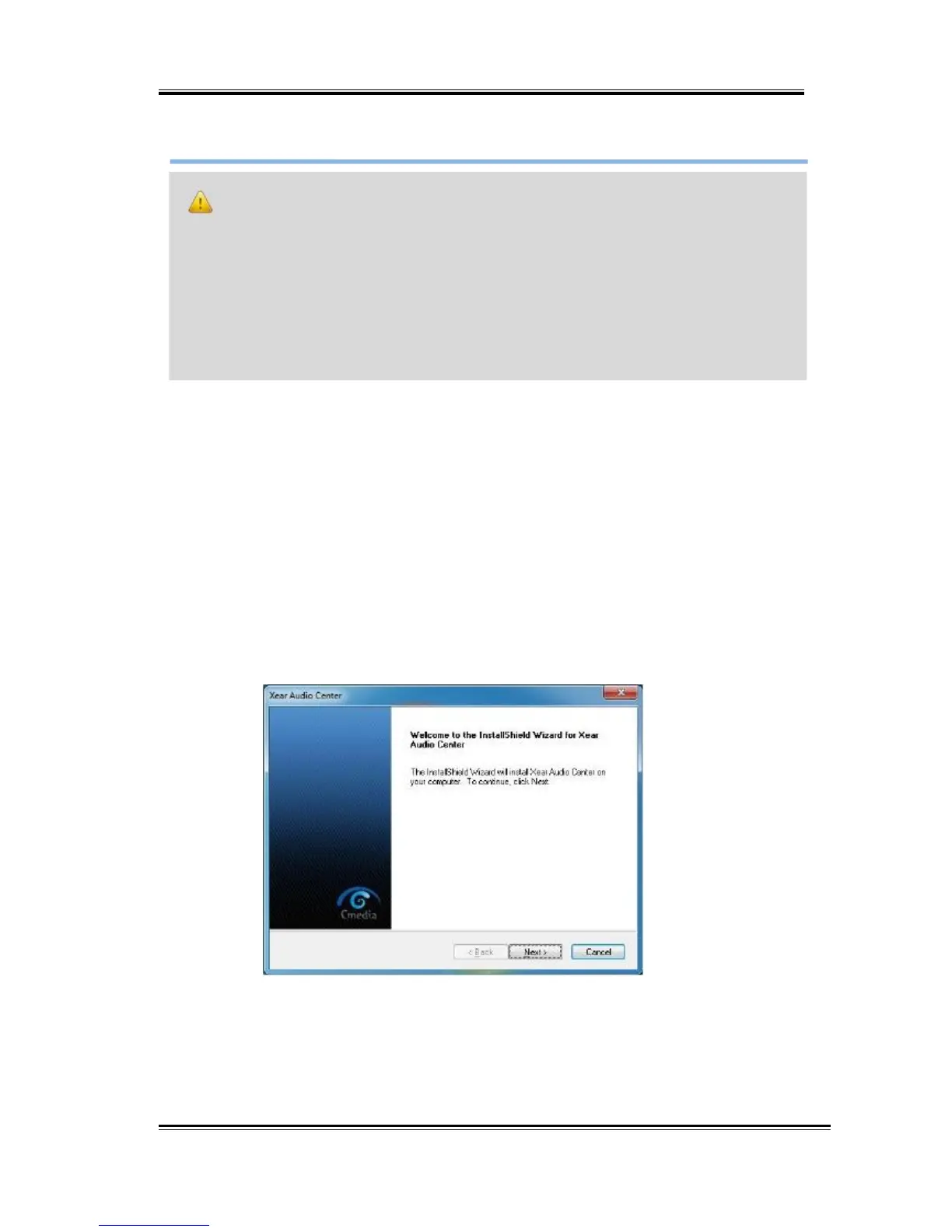
Start Driver installation, you can see a welcome window. Press “Next”
button and follow the instruction of the popped windows until the end.
Allow Computer restart to activate the driver.
8



 To Next Page