HD 7.1 USB AUDIO V3.0
Xear
Audio
Center
Function
Introduction
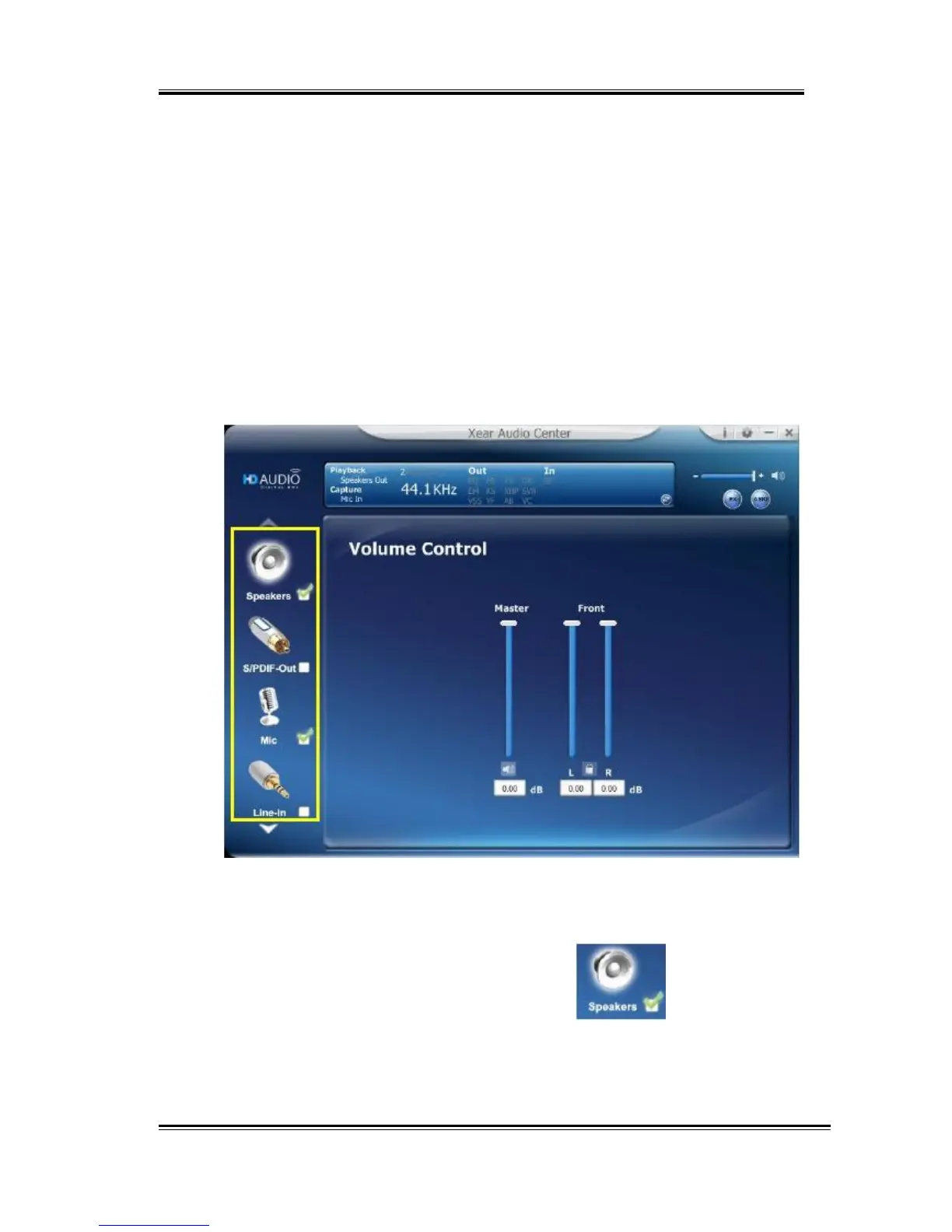
You can control the USB Audio device configuration as shown in the
diagram below.
Select
a
Default
Device
Before the Audio device playback or recording operation starting, it
needs to select a device as the default device. Windows OS will assign
the system resource to the default device.
Set
Default
Output
Device
(Speaker)
Click mouse left button on the
check
box
( ) of the
speaker
device
icon
to set the default device is “Speakers”.
14



 To Next Page