HD 7.1 USB AUDIO V3.0
Sample
Rate
Page
1
2
Function
Introduction
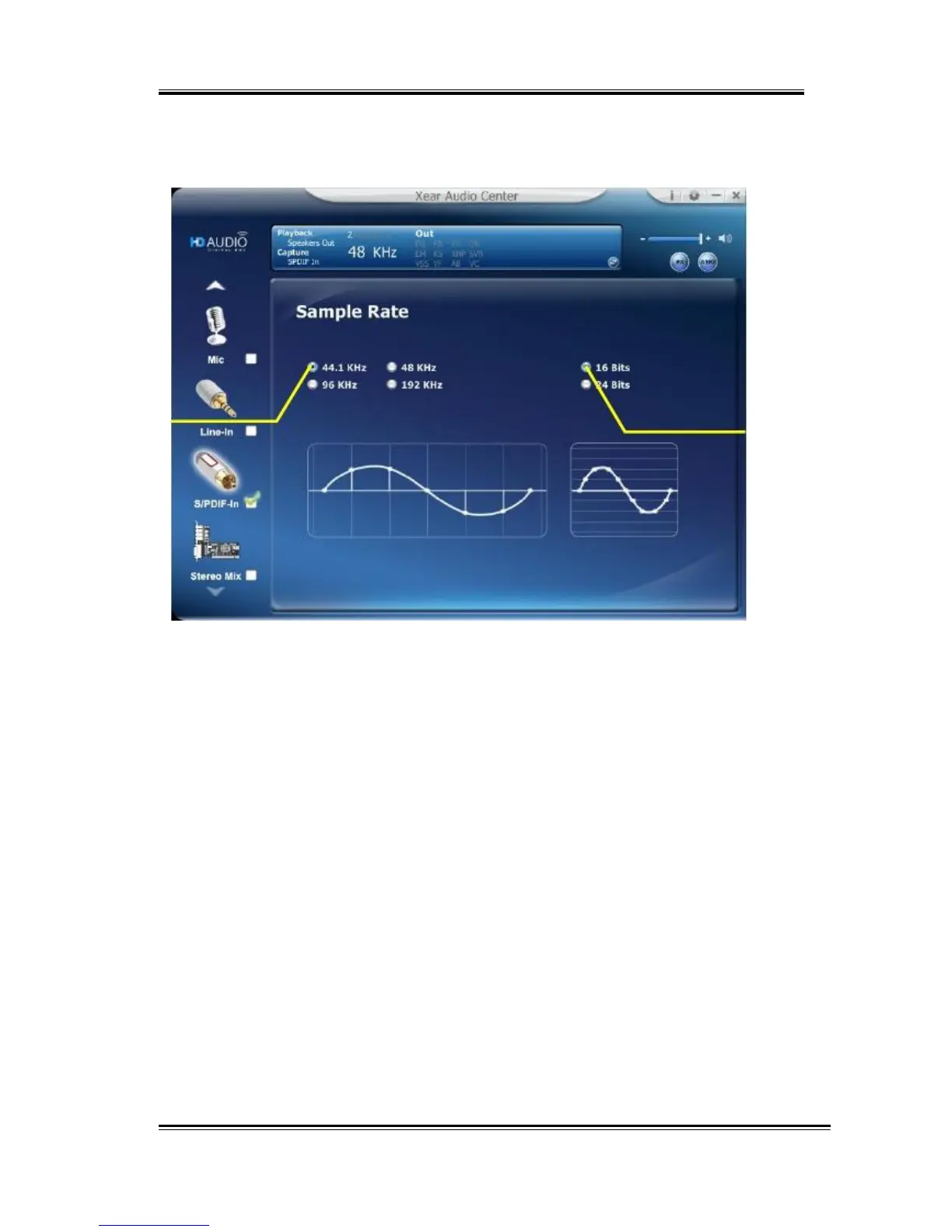
This function page provides a sample rate setting.
1.
Sample
Rate
button
44.1
KHz
-
set recording sample rate to 44.1 KHz
48
KHz
-
set recording sample rate to 48 KHz
96
KHz
-
set recording sample rate to 96 KHz
192
KHz
-
set recording sample rate to 192 KHz
2.
Bit
Depth
button
16
bit
-
set recording bit depth to 16 bit
24
bit
-
set recording bit depth to 24 bit
49



 To Next Page