HD 7.1 USB AUDIO V3.0
Tray
Icon
Function
Introduction
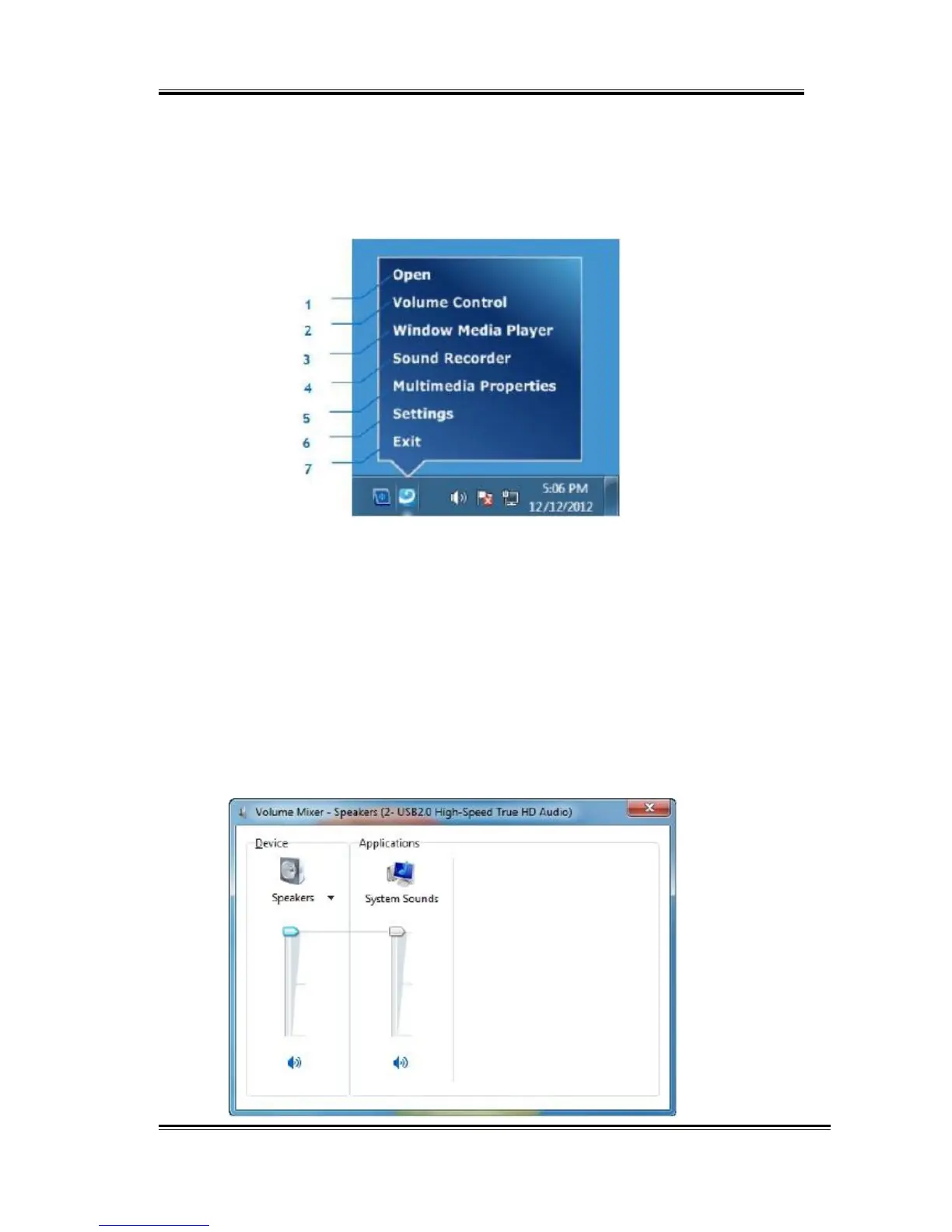
Open the “CPL Tray Icon Function List” by right-clicking the tray Icon on system
tray.
1.
Open:
Clicking the “Open” item will restore the USB Audio Software CPL.
2.
Volume
Control:
Clicking the “Volume Control” item will open the Volume Mixer of
Windows OS. If you want to separately control the volume of your
speakers and other sound devices or programs, use this Volume
Mixer.
53



 To Next Page