HD 7.1 USB AUDIO V3.0
Hardware
Installation
Install
AS372
HD
7.1
USB
Audio
Box
First, make sure that Windows 10, Windows 8, Windows 7, Vista or XP in your
system is running properly. Then follow the following steps while
installing your AS372:
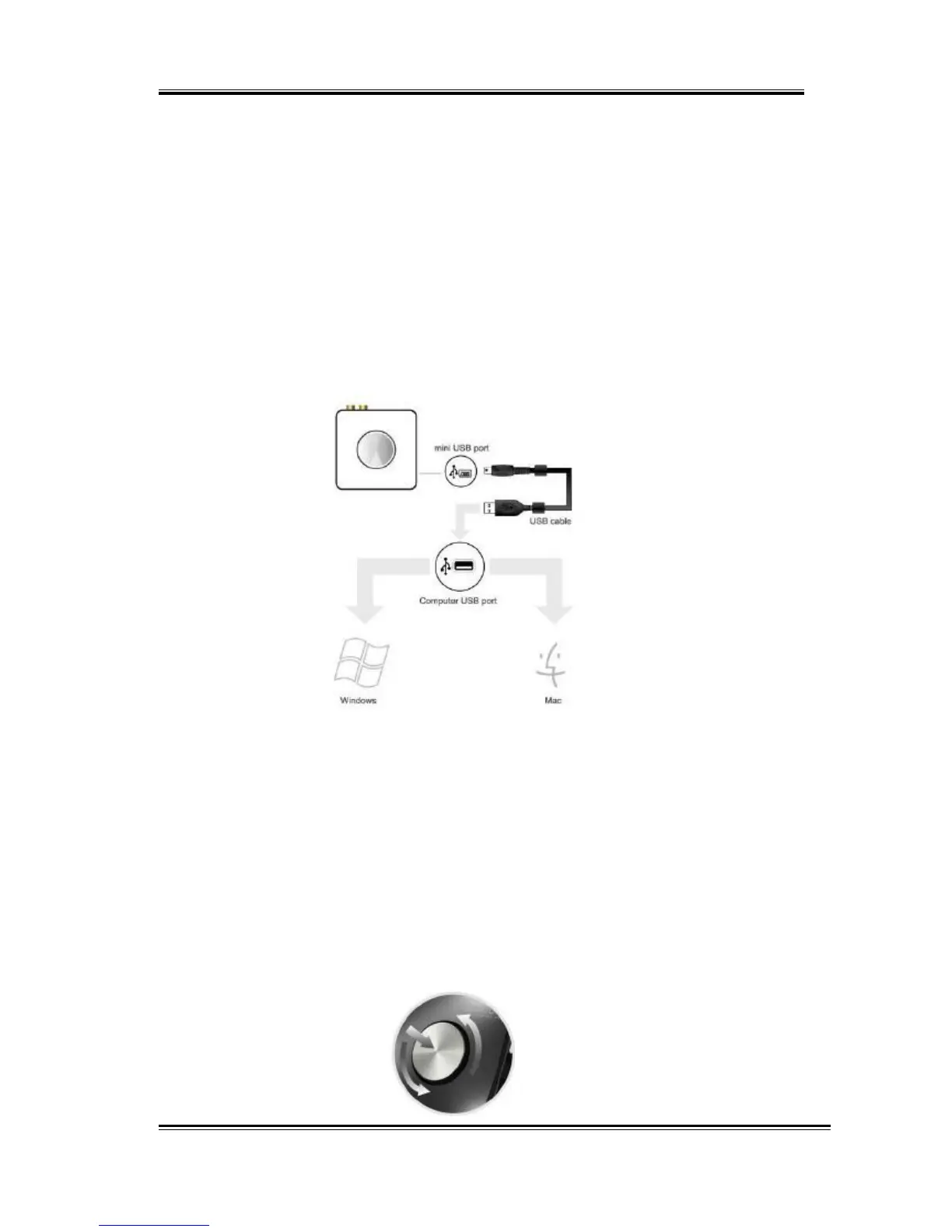
1. Plug AS372 into any free USB port of the computer with the
bundled USB cable.
2. Wait for OS to process the identification process. If you are
running Windows System, please refer to the “Software
Installation and Removal” section to install the drivers.
Adjust
volume
Rotate the wheel to adjust volume, clockwise to increase volume, and
counterclockwise to decrease volume. Pushing the button down
can
mute the audio output, pushing down again can restore the volume.
7



 To Next Page