13
Wireless Series
Pairing With the UH8-RF Wiring Centre
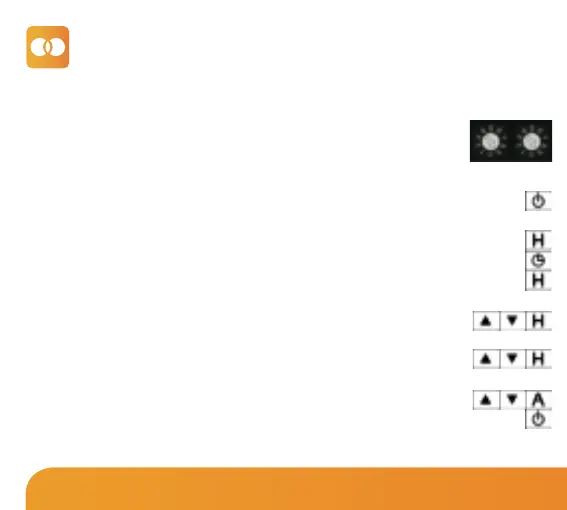
Take note of the numbers set on the rotary switches (UH8-RF ID numbers 01-99).
Each UH8-RF on the system needs to have a different ID number.
Set your first UH8-RF to 01
Example: Rotary Switch showing ID No. 99.
Step 1, On the UH8-RF
Step 2, On the Slimline-RF V3
•
Turn Off the thermostat by, holding down the Power button for 3 seconds.................
• Now hold down the H button for 3 seconds unit you see P1 in the top right hand
corner of the display...........................................................................................................................
• Press the Clock button once to change P1 to P2 on the display........................................
• Press the H button once to enter P2 settings............................................................................
• Use the Up/Down keys to change the large digits to match the Rotary Switch on
the UH8-RF followed by H...............................................................................................
• Use the Up/Down keys to change the small digits (top right) to select a
Zone number on the UH8-RF, followed by H...........................................................
• Use the Up/Down keys to select either “rA” for radiator zone or “UF” for
underfloor heating, followed by A to store configuration..................................
• Press the Power button on the thermostat once to turn the unit back On......................
If in mode 02, the hot water timer will automatically be paired to the HW channel.















 To Next Page