23
Setting the Hot Water Switching Times
• Press the Clock key twice
*
..............................................................................................
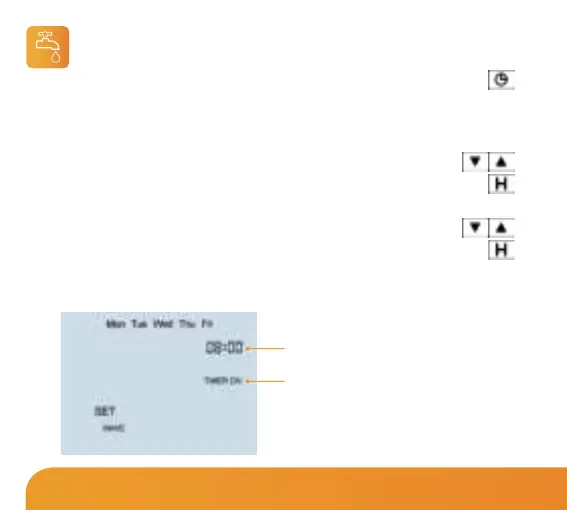
• If your thermostat is setup for Weekday/Weekend programming, Mon-Fri will be
displayed on screen. For 7 day programming Mon will be displayed on screen.
• Using the Up/Down keys, enter the required start time
for Hot Water Time 1 ..............................................................................................
• Press H to confirm settings ..........................................................................................
• Use the Up/Down keys, enter the required end time
for Hot Water Time 1 ..............................................................................................
• Press H to confirm settings ..........................................................................................
Repeat the programming steps for each switching time, entering --.-- for any
unused periods.
Time
Timer Status
*
Note: Only applicable when configured in
programmable with hot water control (Feature 10=02).
Wireless Series















 To Next Page