8
Model: Slimline-RF V3
Batteries have a fixed lifespan and will need to be replaced occasionally to
ensure the thermostat operates correctly.
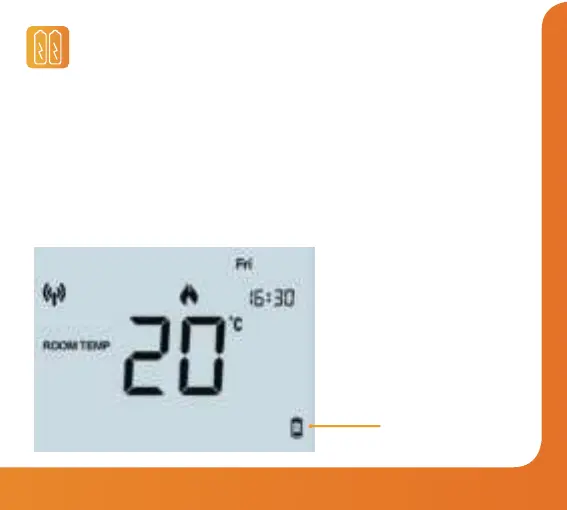
The thermostat will inform you when the batteries need to be replaced by
displaying the battery icon on screen.
Note: You must replace the batteries within 1 minute of removal in order to retain
the current clock and comfort level settings.
Replacing the Batteries
Battery Icon
(Flashes)















 To Next Page