13
Tip:
After the camera is connected to the App with LAN Cable, you can switch to Wifi connection
for flexible placement and operation of the camera. Go to Settings, select Change Wi-Fi
network and input the correct password. After successfully connecting to the selected Wifi,
unplug the LAN cable and reboot the camera.
USE THE CAMERA ON MOBILE DEVICE
Function Overview
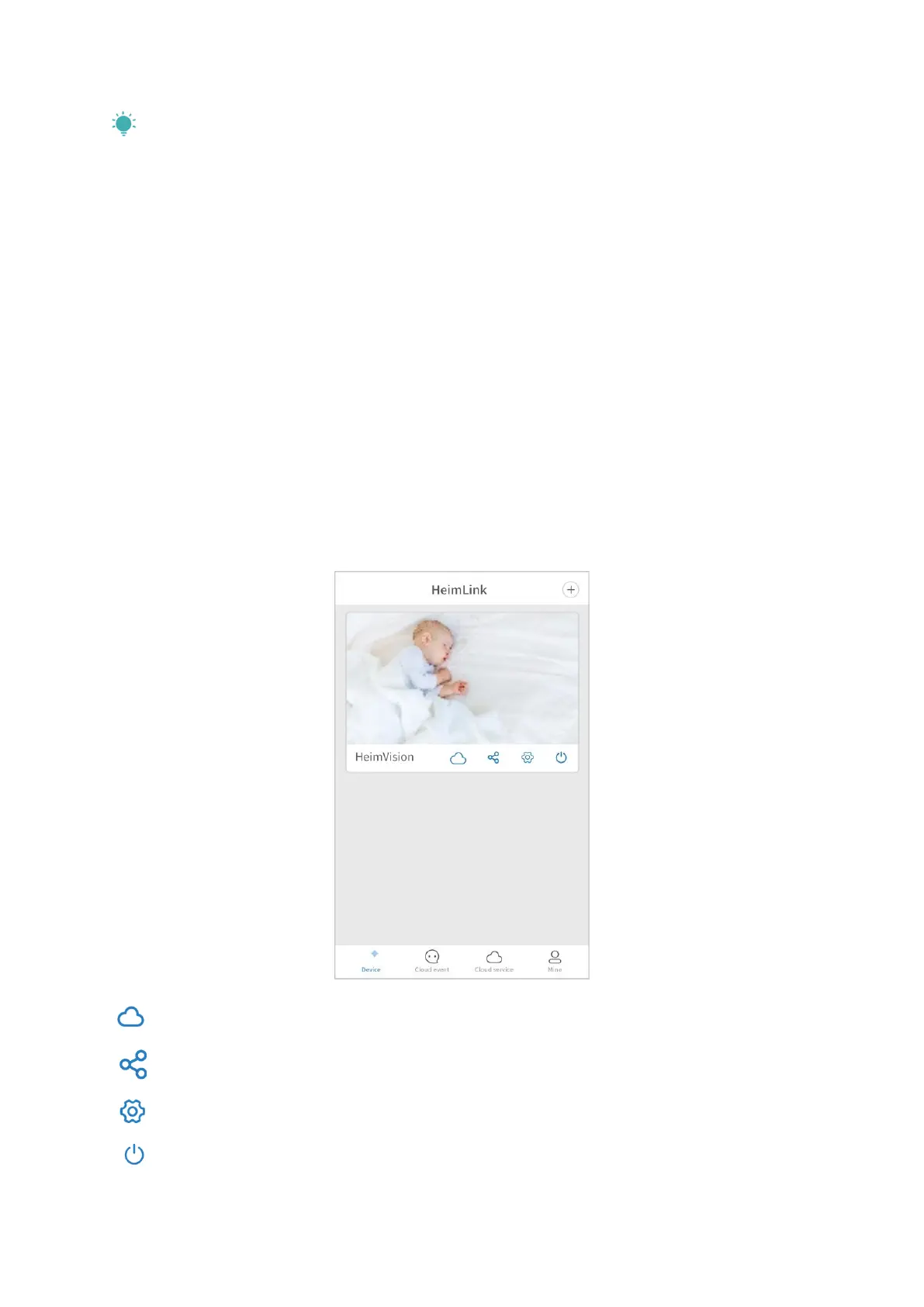
Main Interface
Device:
Swipe down on the Device interface of HeimLink to refresh the camera’s preview.
: subscribe to or renew a cloud plan.
: share your camera with your family.
: enter the interface of Setting.
: turn on/off the camera.



 To Next Page