25
USE THE CAMERA ON COMPUTER
Visit https://heimlink.heimvision.com/ through the browser of your computer, then log
in with your account to check the live video.
Tip:
If you’d like to check the videos recorded to the memory card on your computer, please
insert the memory card with a card reader into the computer and play the videos with
the player that supports MP4 format.
CONNECTING THE CAMERA TO AMAZON ALEXA
Step 1:
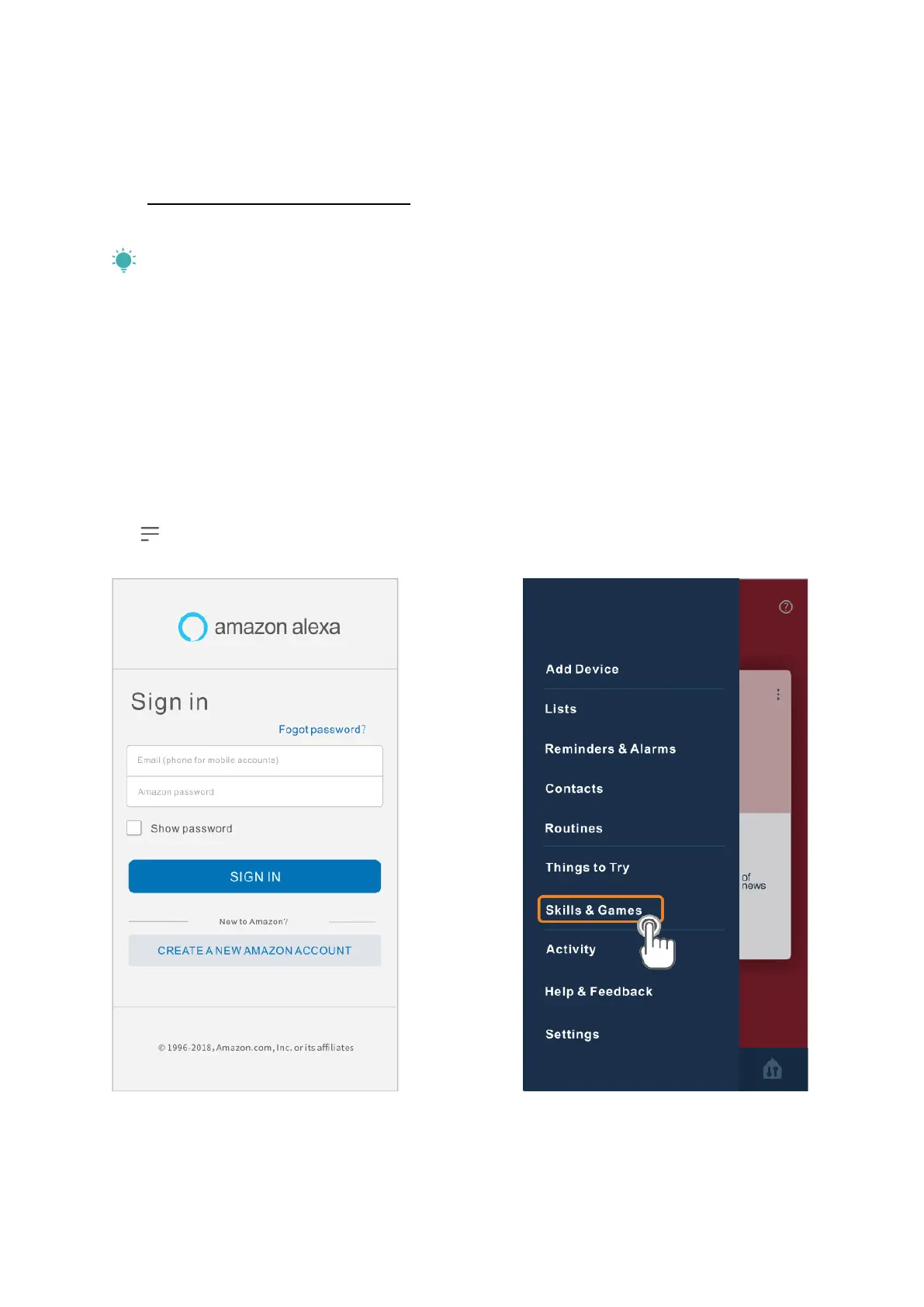
Log in to Amazon Alexa with your Amazon account after downloading and installing it,
tap on the left upper corner of the Home page, then select Skills & Games.



 To Next Page