21
Cloud Service
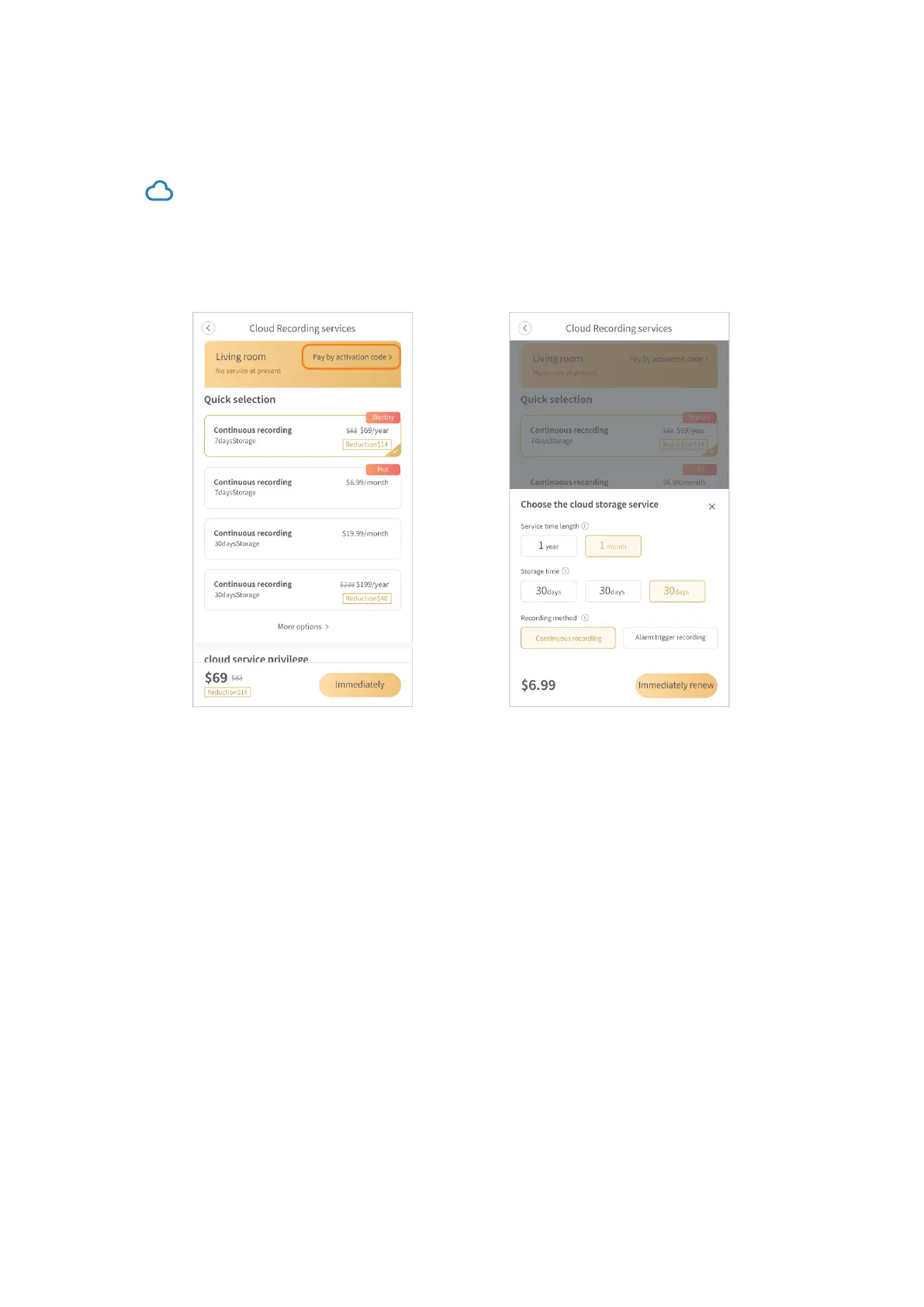
Subscribe to a cloud plan
Tap on the main interface or go to Setting > Device storage > My cloud packages to
subscribe to a cloud service package. However, if you’ve got an activation code, you can
also tap Pay by activation code and enter the code to activate the cloud plan .
After the cloud plan is activated, it will be bound to this camera by default.
Change the cloud plan to a new camera
If you’d like to change the cloud plan to a new camera connected, please refer to the
steps below.
1. Tap Cloud service on the bottom bar of the main interface to check your cloud
service.
2. Tap Cloud Service Card, then tap your cloud plan.
Select the new camera and tap Confirm.



 To Next Page