23
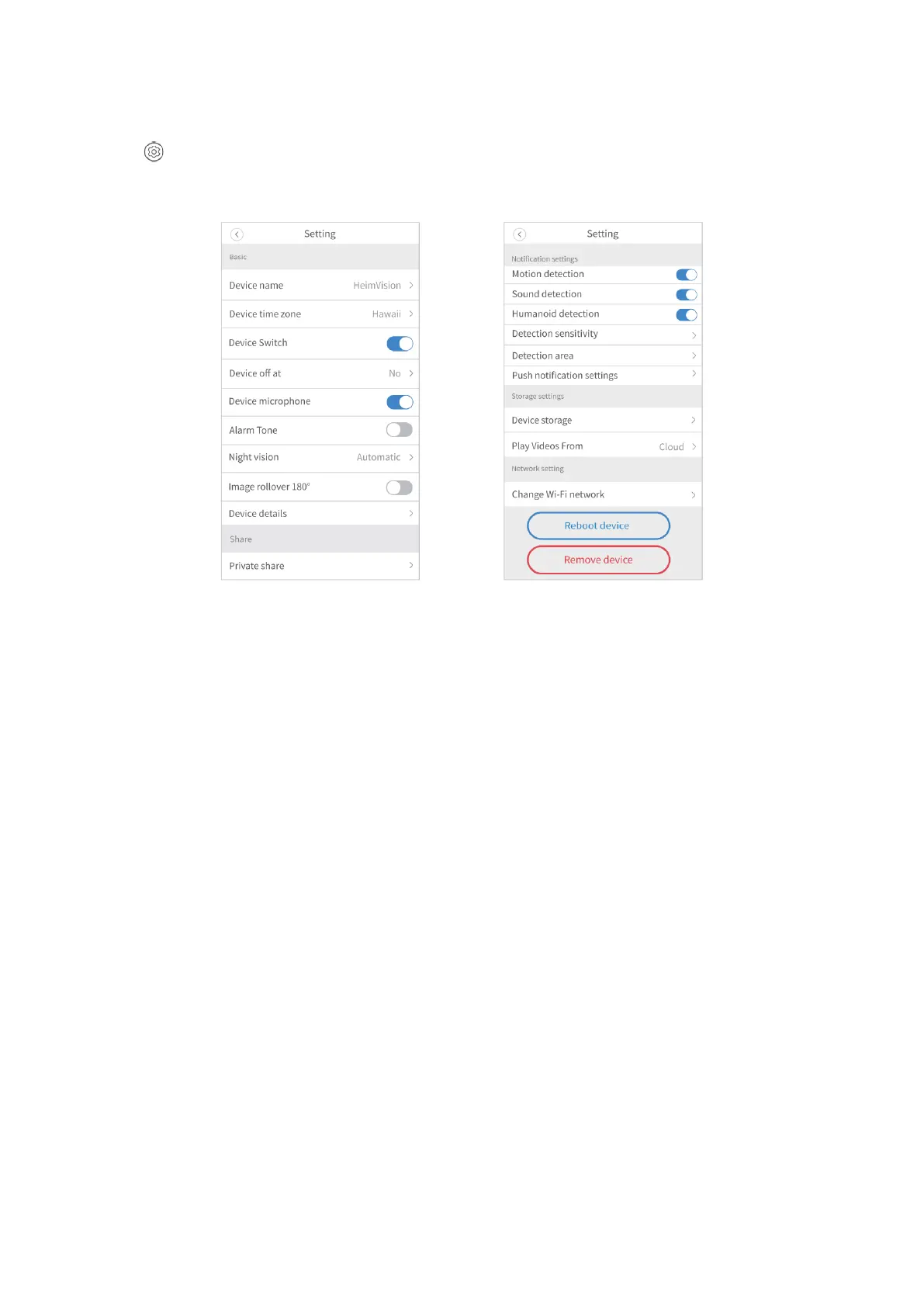
More Settings
Tap on the main interface or upper right corner of the live video interface to check
more settings about the camera.
Device name:
Tap to rename your camera.
Device time zone:
Select the time zone.
Device switch:
Turn on/off your camera.
Device off at:
Set a schedule to automatically turn off your camera, and up to 3 schedules can be set.
To delete a schedule, slide leftward on the schedule and tap Delete.
Device microphone:
Enable or disable the microphone of the camera. If this option is disabled, you won’t
hear any sound for live video and the video recorded. Additionally, the function of sound
detection is unavailable.
Alarm Tone:
Turn on/off the buzzer of the camera.



 To Next Page